
iPhone Screenshots

Description
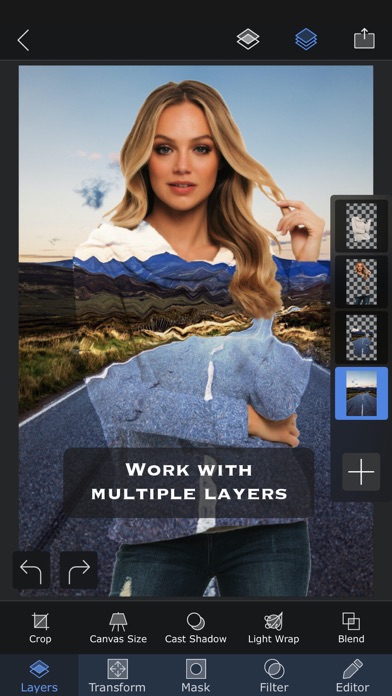
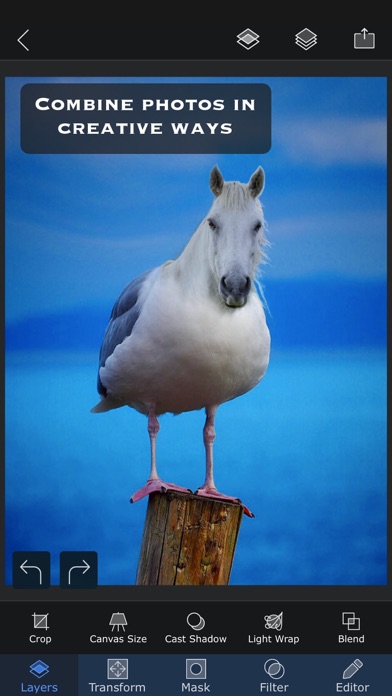
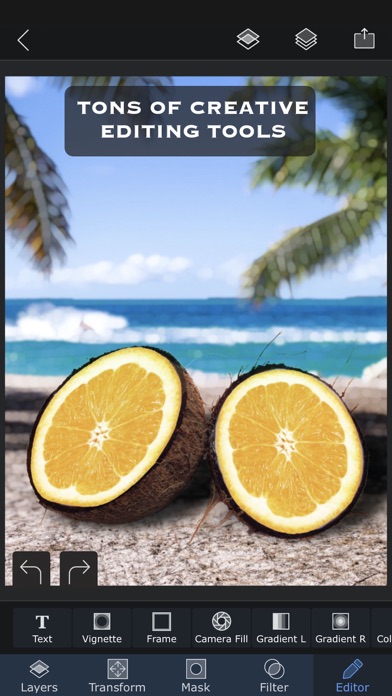
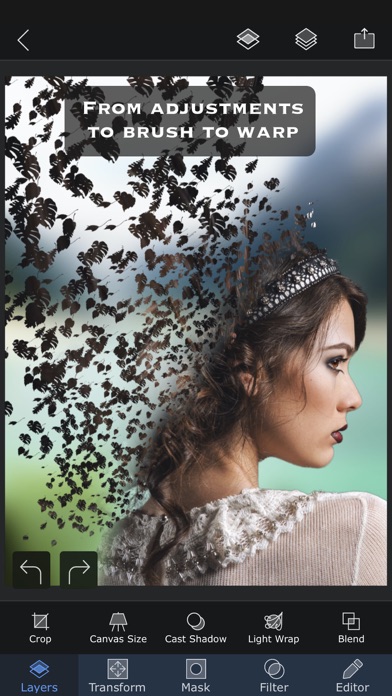
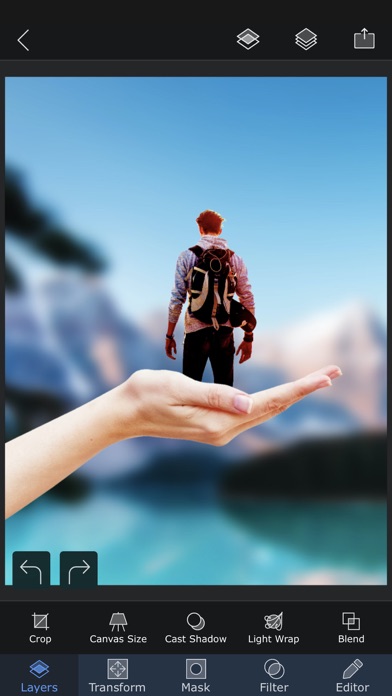
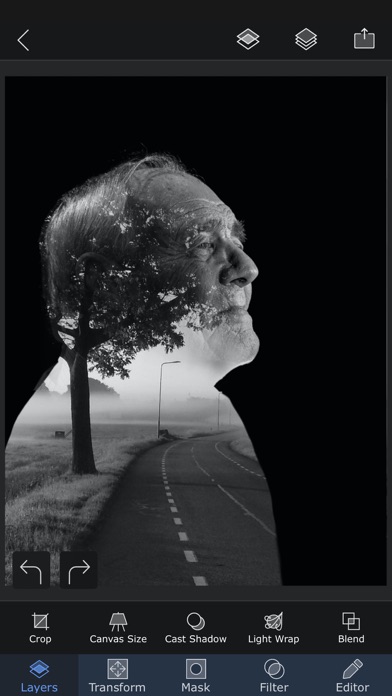
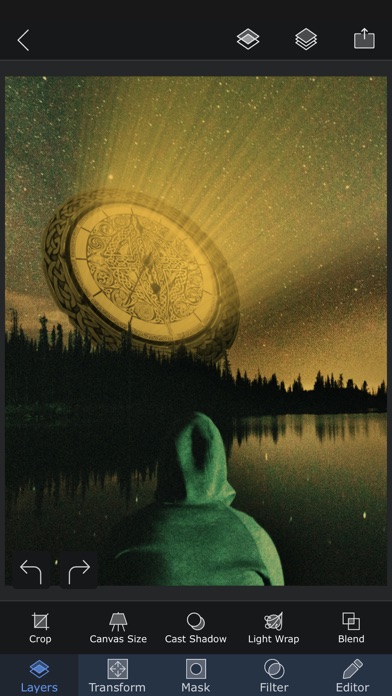
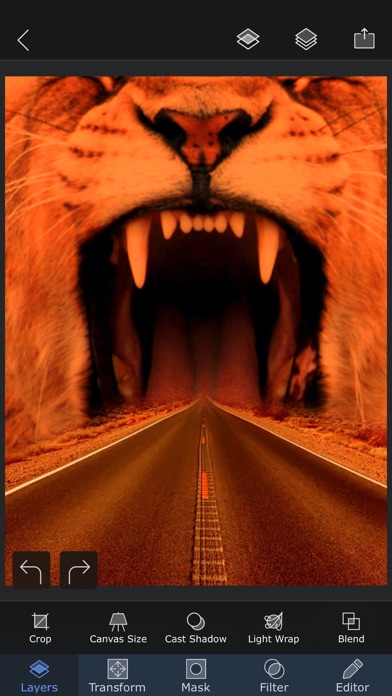
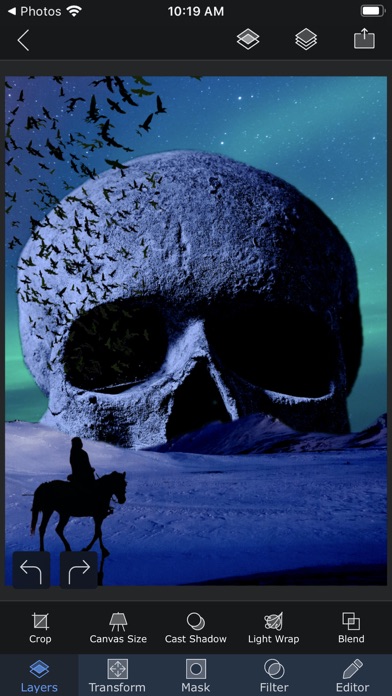
Edit photos with multiple layers, blending modes, and masking. Adjust colors and brightness using adjustment layers. Apply brushes, smudge, warp, and effects. Add shadows and clarity. Export and share edited images.
Superimpose X is a serious photo editor, and the editor is yours with the app — layers,
masks, blend modes, brushes, effects, shadows, text and precision tools, with no
subscription to use any of it.
When you want more, two studios are built right in and unlock with a subscription: an AI
Editor that generates and transforms images, and a true multi-track Video Editor.
THE PHOTO EDITOR
Build complex edits by hand with the control of a desktop app and none of the complexity.
Cut out people and objects, combine images, paint masks, adjust colour, add depth and
shadow, then refine every detail.
• Layer-based editing with up to 24 layers
• Magic Wand, Magic Lasso, brush and shape masks
• 18 blend modes and 16 adjustment layers
• Non-destructive layer blur and adjustments
• 63 photo effects, plus clarity, colour, tone and detail controls
• Text and curved text
• Motion, Zoom, Spin, Lens and Selective Blur, and gradients
• Warp, perspective transform and distortion
• Paint, smudge, clone stamp and effect brushes
• Shadow and Light Wrap tools
• Camera fill with real-time masks and blend modes
• Masking Library for reusable cutouts and stickers
• Session Library that saves your projects automatically
• PSD export with layers
• Over a million royalty-free stock photos
AI EDITOR
Start from a photo, a sketch or a sentence and let AI do the heavy lifting, then take the
result back into the layer editor to finish it properly.
• Image generation from text
• AI editing and inpainting
• Background creation and replacement
• Outpainting and image expansion
• Enhance, relight and repair
• Sketch to image
• Headshot generation
• Face swap
• Image to image transformation
• Image to video
• AI people masking
VIDEO EDITOR
A real multi-track editor, not a template filler.
• Edit video, images, audio and text on multiple tracks
• Stack effects and animations for results that are yours
• Masks for precise work, including green screen
• Track objects through a shot and ramp clip speed
• Animate text with elegant presets
• Split, trim, rotate and freeze clips
• Colour effects, blurs and distortions
• Audio EQ, filters and transitions
• Royalty-free photos, videos, music and GIFs
• Export in a range of formats, including GIF
ONE APP, ONE PROJECT
The three studios share the same project. Composite a frame in the photo editor and drop
it on the timeline. Generate a background with AI and mask it by hand. Pull a still out of
a video and edit it as layers. Nothing is exported and re-imported just to move between
them.
Terms of use: https://www.superimposeapp.com/superimposex_terms_of_use.html
Privacy Policy: https://www.superimposeapp.com/privacy2.html