Chromic: Video Filters, Editor
Edit videos with Hollywood filters
Sylwester Los
iPhone Screenshots
Description
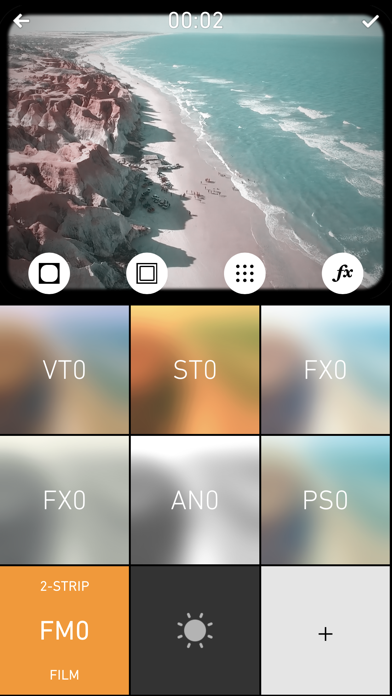
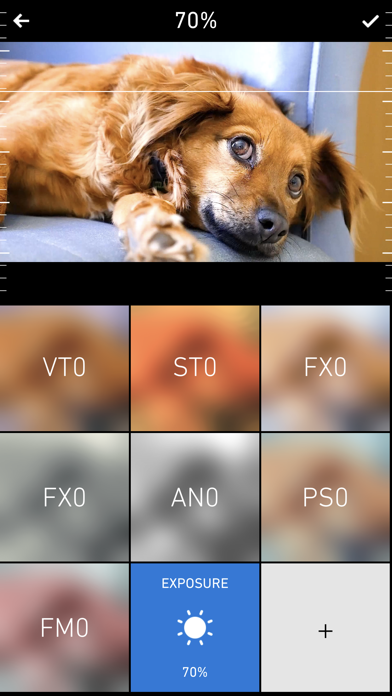
Apply color-correction filters to videos and photos. Adjust exposure, contrast, and color balance. Access 7 built-in filters with examples from 6 sets. Load media as a digital negative for detailed editing. Save all 6 filter sets for a limited time.
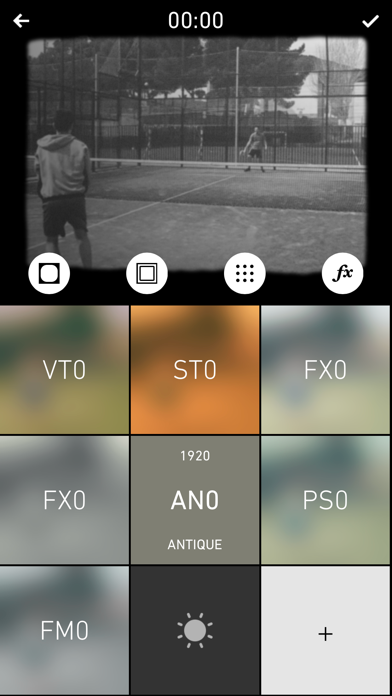
Chromic brings hollywood quality color-correction filters to the palm of your hand! Powered by an advanced image processing engine, Chromic loads videos as a “digital negative” and develops them into rich, expressive movies. With filters ranging from; Film Emulation, Dramatic Hollywood Environments, Authentic Vintage Aging and many more. 8 Built in filters feature examples from each of the 6 available sets. For a limited time buy all 6 sets and save!
FILTERS
- 7 built in filters and Exposure adjustment feature examples from all 6 full sets
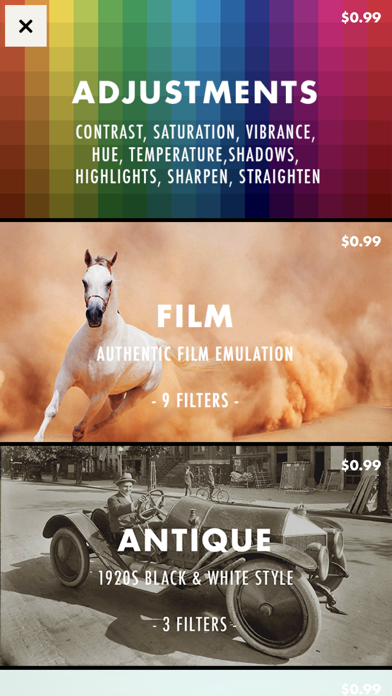
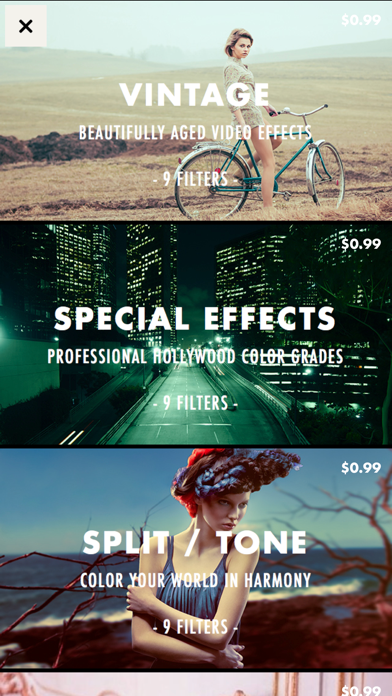
- 7 Filter sets include: Film, Antique, Vintage, Special Effects, Split/Tone, Pastel Colors & Monotone
- 9 adjustments: Exposure, Contrast, Saturation, Vibrance, Hue, Temperature, Shadows, Highlights, Sharpenblur, Straighten
- 4 effect: Vignette, Border, Grain, Special Effect
- Realtime preview of video filters
- Full screen preview in landscape mode
- Drag left/right to scrub through videos
- Drag up/down in filters preview to set filter strength
- Tap to start/stop
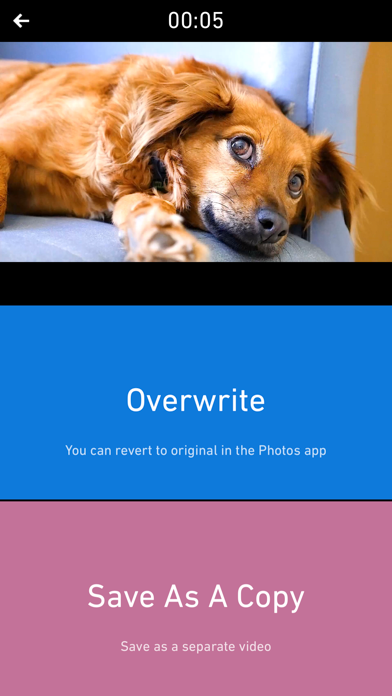
- Save result as a new clip
- Or Overwrite current one - you can later revert to original version from system Photos app
- Photo Extension support
GALLERY
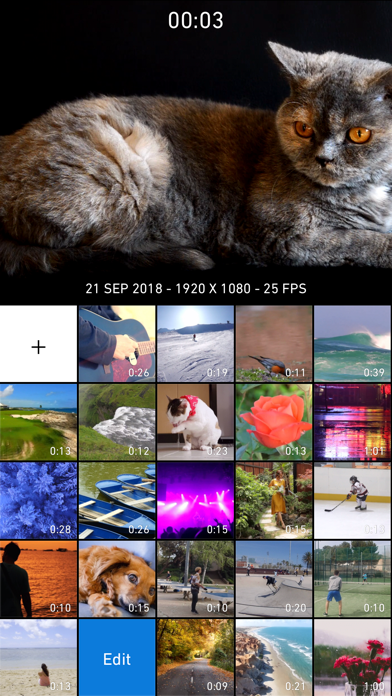
- All videos are stored in iOS Photo Library
- Record new video
- Full screen player in landscape mode, with drag to scrub
- Detailed video information