The app allows users to create custom stickers from their photos. Users can select images from their camera, albums, or search results to isolate objects and turn them into stickers.
by James Parrott★ 5.02 ratingsPhoto & VideoFreeData updated 2026-11-13
Search for animated stickers and GIFs from a large library. Share stickers directly from the keyboard or choose from curated reactions. Add stickers to messages or social media posts. Sync with iOS and Android devices.
Create custom AI-generated and slack stickers. Choose from various styles and expressions. Edit and refine designs before sending. Share directly in messages or save for later use.
Add animated stickers to messages with drag-and-drop functionality. Choose from over 150 GIFs for reactions and relatable moments. Enhance conversations with high-quality, expressive animations.
Create montages by placing your in photos. Add to images. Select photos from the gallery or capture new ones. Share finished montages via social networks or messaging apps.
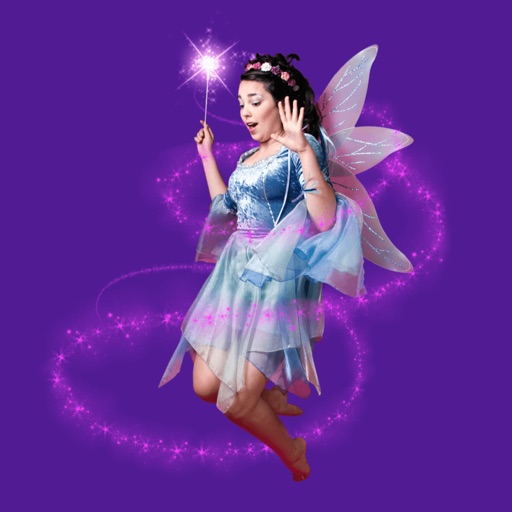
Add fairy stickers to photos to create magical scenes. Save and share edited images. Access high-quality, real fairy stickers. Purchase additional characters for more customization.
Create artistic images with single-tap camera effects and professionally designed filters. Adjust brightness, contrast, and tone curve. Blur and focus images. Rotate, crop, and resize photos. Add text and fun stickers.
Create -themed photos by adding stickers like pumpkins, ghosts, and skulls. Preview stickers in real-time during capture. Edit photos on iPad or iPhone. Share via email or Facebook.
Create Yes/No stickers to fix or flip messages. Replace text for pranks or corrections. Make custom tapbacks with emojis or colors. Choose from various styles to personalize replies.
Send animated stickers in iMessage with 116 high-resolution options. Include 40 free stickers; purchase for full access. Add expressions to conversations with cute, customizable animations.
The app allows users to create finger faces using photos from their camera roll or by taking new pictures. Users can add faces, items, stickers, and text, or draw their own creations.
Create slideshow videos by selecting templates, adding photos or videos, and applying transitions, animations, and effects. Customize with stickers, fonts, and music. Share directly to social media platforms or save to camera roll.
Add stickers and effects to iMessage conversations. Resize stickers with pinch gestures. Include Day . Place stickers over messages, images, or other stickers. Share emotions and ideas through humor and visual effects.
The app allows users to add text captions to photos and share them. Users can select from 78 custom fonts and 41 layer effects, including banners, thought bubbles, frames, and emojis, to enhance their captions.
Use animated stickers to enhance iMessage conversations. Add 72 high-resolution stickers to messages. Includes 24 free stickers with option to purchase for full access. Share emotions and reactions through cute, expressive animations.
Edit photos by slicing and reassembling them freely. Decorate slices with stickers, frames, text boxes, backgrounds, and filters. Combine multiple photos by to create custom art.