The app allows users to create custom stickers from their photos. Users can select images from their camera, albums, or search results to isolate objects and turn them into stickers.
by James Parrott★ 5.02 ratingsPhoto & VideoFreeData updated 2026-11-13
Edit photos with brightness, saturation, and contrast adjustments. Add text, stickers, and memes. Crop, rotate, and straighten images. Apply effects and frames. Sharpen or blur photos. Import images from the camera roll. Fix red tones.
Create and send animated stickers in iMessage. Choose from 144 animated stickers. Includes 48 free stickers. Purchase to access all. Share emotions and messages with expressive visuals.
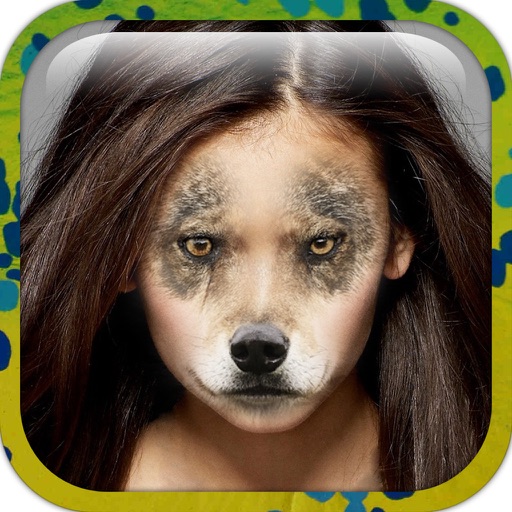
Edit photos by applying faces and filters. Choose from free templates to try on. Upload photos from albums or Facebook. Share edited images on Twitter or Facebook. Select preferred for personal use.
Send and receive stickers in iMessage conversations. Choose from a variety of unique, high-quality images. Customize messages with expressive emojis and animations. Share stickers across devices and conversations.
Create custom stickers using augmented reality features. Share stickers across multiple messaging apps including iMessage, WhatsApp, and Facebook Messenger. Apply stickers in real-world settings via AR.
Add -themed stickers to messages and photos. Choose from , designs with holiday messages. Customize text and combine stickers with images. Share decorated content directly.
Add stickers to iMessage conversations with pinch-to-resize functionality. Place stickers over text, images, or other stickers. Includes wsb and stock-themed stickers for expressive communication.
Add iMessage effects to conversations with customizable stickers. Resize stickers using pinch gestures. Stick them over messages, images, or other stickers. Include a variety of Day of the themed stickers for expressive communication.
Add stickers to iMessage conversations to express emotions and ideas. Resize stickers with a pinch gesture. Place stickers over messages, images, or other stickers. Includes themed stickers for iMessage.
Turn photos or snapshots into stickers for WhatsApp, Telegram, iMessage, and other platforms. Remove backgrounds automatically. Add text to personalize stickers. Share directly to messaging apps.
Add and stickers to photos and images. Choose from various spooky themes. Edit and enhance pictures. Share edited images directly. Apply high-definition effects. Create custom .
Face automatically detects and blurs faces in photos and videos. Users can tap to hide or reveal specific faces. The allows cropping, adding filters, text, or stickers. Metadata can be viewed, edited, or removed.
Create frames and cards with personal photos. Add names, stickers, and select from various frames. Share finished designs directly. Edit photos with frame options and customization tools.
Take photos with the camera or select from the gallery. Choose from over 50 to add to images. Place by tapping and dragging them onto the . Share the edited directly.
Use animated stickers to enhance iMessage conversations. Send 96 unique high-quality stickers. Includes 2 free stickers. Purchase once to own all. No quantities mentioned.
Edit photos with HD quality frames and multiple frame options. Apply advanced color effects and bokeh blur. Add stickers and labels with various fonts. Share edited photos directly. No ads or pop-ups.