Apps Like Cool Finger Faces - Photo Fun! for iPhone and iPad
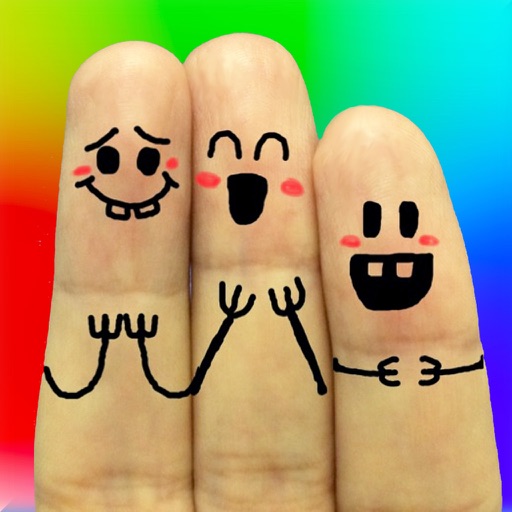
Create cool finger faces with photos.
The app allows users to create finger faces using photos from their camera roll or by taking new pictures. Users can add faces, items, stickers, and text, or draw their own creations.
by Ki Tat Chung★ 4.032 ratingsPhoto & VideoFreeData updated 2026-09-25
The app allows users to create photos by adding items like glasses and hats. Users can apply image effects, draw their own elements, and share their creations to social media platforms.
Faces in photos and videos using AI technology. Apply funny filters and edit images. Generate AI avatars and create -swapped content. Preview hairstyles and edit photos with customizable effects. Share finished content directly.
Edit photos with background removal, object elimination, and AI-style transfer. Add text, stickers, and custom fonts. Generate AI art, create flyers, and apply effects. Export in various formats and share directly.
And videos to obscure specific areas or entire footage. Adjust shapes, trace with finger, or auto- faces and cars. Process audio and change speed. Create fluffy effects.
Create personalized emojis and 1500+ stickers using selfies or uploaded photos. Customize avatars and share emojis across messaging apps and social networks like WhatsApp, Facebook, Instagram, Snapchat, and Telegram.
Edit photos by copying, pasting, swapping, flipping, and rotating faces. Apply effects to create realistic and humorous results. Save and share edited photos directly from the .
Faces between two photos by selecting them from the camera roll or camera. Process the and share the result. Use editing tools to crop, add images or text, draw, scale, rotate, and delete objects. Apply animations and customize colors.
Edit photos by blurring backgrounds, faces, or specific subjects. Apply various effects and filters. Save edited images to the camera roll or share them directly.
The app provides over 3200 unique rage faces and over 380 camera booth stickers. Users can add faces to messages, search for specific faces, and import their own images.
Blur faces or sensitive information with a single tap. Apply masks, adjust blur intensity, and resize or rotate blurs. Preview, save, and share edited photos. Protect privacy by blurring documents, license plates, or unwanted elements.
Photos, slides, and negatives to create a digital library. Use AI to enhance and organize images. Share scanned items with others. Preview and edit basic scans within the .
COSMOS OYUN YAZILIM DANISMANLIK SANAYI TICARET LIMITED SIRKETI
Generate videos and photos with AI
Create AI videos and photos using text or image prompts. Generate realistic videos instantly. Swap faces and design content quickly. Export and share high-quality results.
Analyze photos to find . Compare one face against others or identify the face pairs. Zoom and move within the review scene. Share result images to social media platforms. Process data entirely offline without storing user data.
Browse a curated collection of Apple with weekly updates. Preview and customize to match personal style. Share favorite designs with friends. Access tutorials for easy setup. Compatible with all Apple models.
Create videos with AI tools. Add automatic subtitles from audio or . Convert text to speech with one tap. Apply unique AI voices to audio. Get song recommendations. Remove backgrounds around people and faces.
Create and animate faces using AI technology. Generate AI-driven videos with customizable characters. Chat with diverse AI characters in real-time. Interact with 24/7 available virtual companions. Customize character appearances and behaviors.
Edit photos with AI muscle enhancement, reshaping, and face retouching. Add beards and hairstyles. Remove backgrounds. Reconfigure faces with AI reface. Adjust muscles, arms, and chest. Export edited images.
Blur faces automatically using facial recognition. Add blur, solid color, or emoji to hide faces. Resize and reshape blur regions. Adjust color and effects. Share edited images to photo library and other apps.
Edit photos with one tap for HD clarity and natural beauty. Unblur faces and details, enhance multiple photos in batch, fix lighting and color, upscale images, reduce noise, and increase sharpness without over-editing.