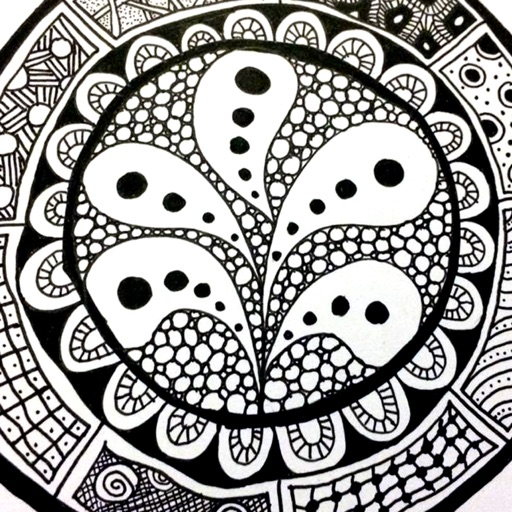
The app provides a reference guide for doodlers, featuring 100 tangle patterns with drawing instructions. Users can browse a gallery of creations and share their own drawings.
Create kaleidoscope patterns by swiping fingers across the screen. Adjust the number of lines and line color. Use multi-touch for advanced control. Save generated artwork to the device's Camera Roll.
Color pictures with a variety of tools and colors. Draw on blank pages with easy zoom. Replay videos of drawing sessions. Access a collection of funny and realistic images for and sketching.
Create a digital picture diary with emotional entries. Add custom hashtags using a two-way rule. Draw directly with NOTEGG illustrator and view shared artwork. Share and organize entries freely.
Calculate excavation slope requirements based on soil type and dimensions. Compare sloping vs. shoring options. Generate visual diagrams for guidance. Save results for future reference.
Create animations using frame-by-frame drawing on photos. Add doodles and export as GIF or video. Share finished animations with friends. No advanced drawing skills required.
Draw and measure surfaces with automatic creation. Calculate perimeter of closed and open areas. Switch between meters and feet. Adjust line width, zoom, and set custom plans. Export as image, PDF, or share via social media and messaging.
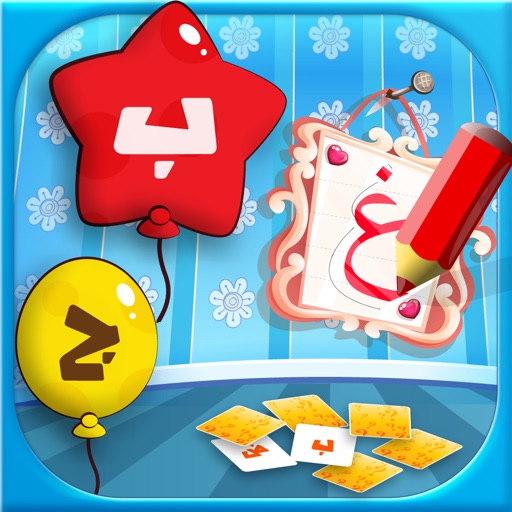
Learn letters and words with interactive games and exercises. Practice writing and recognizing letters with tashkeel support. Choose language settings for or English instructions. Includes memory cards, balloon games, and drawing activities for kids.
The app helps children learn animal names through drawing. Users can draw various animals by starting with simple lines, eliminating the need for coloring books and pencils.
Kids Drawing offers simple pages with animals, cars, and other themes. Users can tap and swipe to color. Includes playful games for interactive learning. Allows saving and sharing of completed artwork.
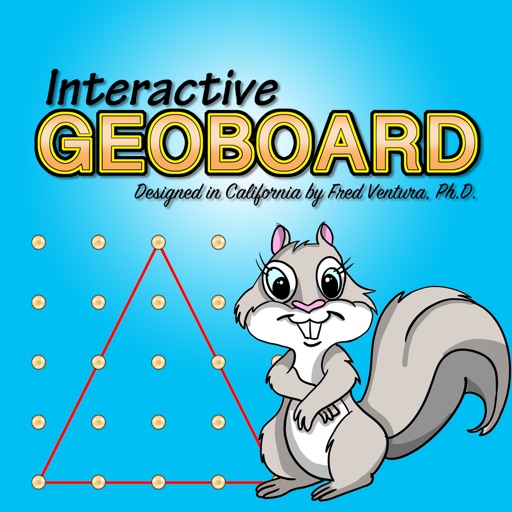
Create line segments and polygons by stretching bands around the Geoboard. Explore perimeter, area, angles, and fractions through interactive shapes. Manipulate bands to compare sizes and test congruence.
Create vector illustrations and technical drawings with precise tools. Adjust shapes, colors, and layers. Export in multiple formats. Sync between macOS and iPad.
Scan documents, barcodes, and QR codes with a single . Automatically crop, process, and correct scanned images. Save and share scanned files directly. Organize scans into folders and access them offline.
The app allows students to explore geometry and fractions by creating designs or filling outlines with shapes. It provides tools for measuring angles, duplicating shapes, and annotating work to demonstrate understanding.
Sign documents and request signatures securely. Import files, add signatures, and send for approval. Track document status and manage multiple signers. Store signed agreements digitally. Share completed documents via email or link.