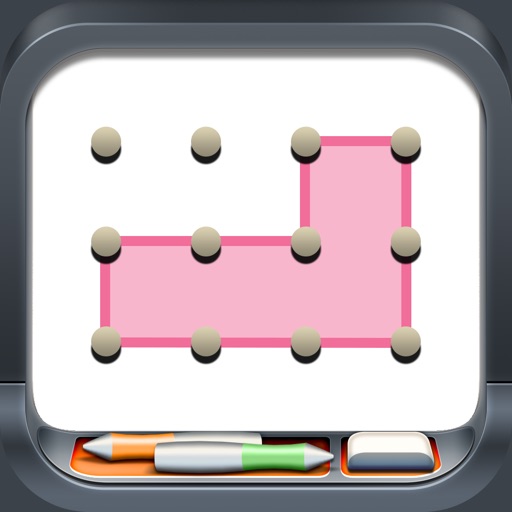
Create line segments and polygons by stretching bands around the Geoboard. Explore perimeter, area, angles, and fractions through interactive shapes. Manipulate bands to compare sizes and test congruence.
by The Math Learning Center★ 3.820 ratingsEducationFreeData updated 2026-09-24
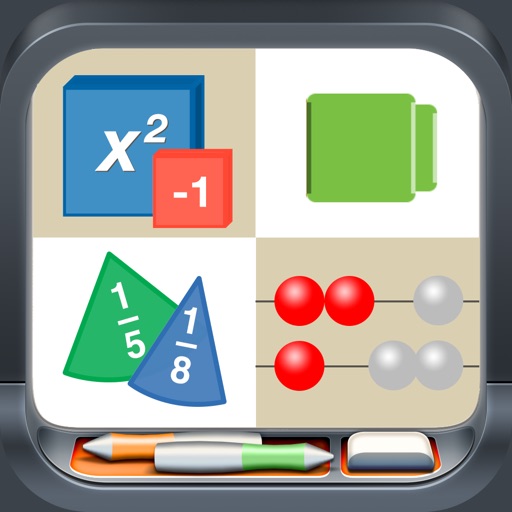
Access interactive math tools for hands-on learning. Use algebra tiles, base ten blocks, fraction circles, and pattern blocks to visualize concepts. Manipulate virtual objects to explore geometry, fractions, and coordinates.
The app simulates a virtual geoboard for exploring geometry concepts. Students draw shapes on a pegboard, receiving feedback on length, perimeter, and area.
Use like Algebra Tiles, Base Ten Blocks, and Fraction Circles to teach math concepts. Explore tools such as Geoboard, Number Line, and XY Coordinate Board for interactive learning. View and manipulate shapes with Pattern Blocks and Color Tiles.
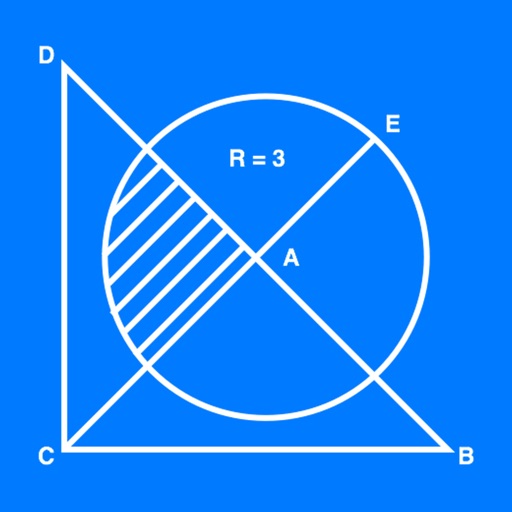
The app allows users to create geometrical figures, points, circles, and polygons. It can also create parallel lines, perpendicular lines, lines with a given angle, midpoints, and intersections.
Solve problems by taking photos of typed or handwritten equations. Receive step-by-step solutions with explanations. Check homework and study for exams. Access 24/7 assistance.
Solve math problems with AI-generated step-by-step explanations. Cross-check answers using multiple AI models for accuracy. Convert handwritten equations via photo capture. Access solutions for various subjects and difficulty levels.
Teaches - math, language, science, STEM, reading, and critical thinking through 21 educational . Includes curriculum-based lessons and interactive activities for children aged 7-10.
Educational for kids ages 2–7 offer offline play with no ads. Features include ABC tracing, puzzle solving, virtual pet care, cooking, dress-up, and doctor role-play.