Apps Like PoseBook 3D by Silver for iPhone and iPad
Practice head construction and rotation in 3D
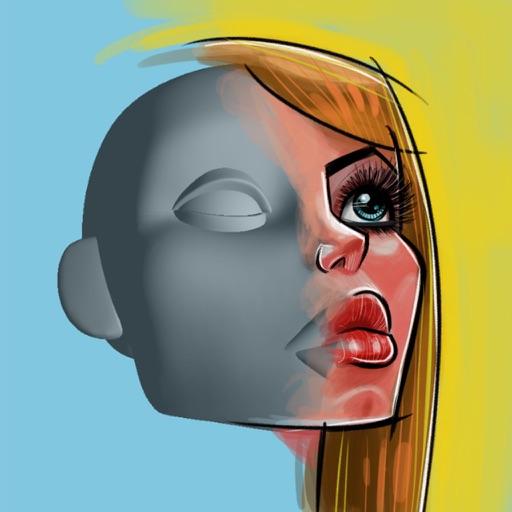
3D allows users to practice drawing heads from different angles. Features include rotating and positioning heads, adjusting facial features, and observing form movement. Users can create and save custom poses.
by Stephen Silver★ 4.041 ratingsEducationFreeData updated 2026-09-08
Practice ear with custom exercises based on user-selected songs. Identify notes, intervals, and chords. Track progress over time. Adjust difficulty levels. Export sessions for review.
Teaches toddlers to and lines, shapes, and letters. Includes ABC, numbers, and languages like Spanish and Hindi. Features phonetic learning and interactive tracing exercises. Enhances hand-eye coordination through drawing activities.
Create 3D art with advanced editing tools. Build models using intuitive controls. Export to multiple formats. Use AR to preview creations. Design assets for games or the metaverse.
Provides artists with -compatible brushes for iPad and iPad Pro. Includes original references and brushes created by artists. Allows users to access and organize design elements for creation.
Kids construct vehicles using puzzles and building challenges. They refuel, drive to a site, and dig to structures like houses or skyscrapers. Features include cleaning, refueling, and completing multi-step building tasks.
Access boating information with detailed charts, graphs, and illustrations. Look up formulas, safety guidelines, and equipment specifications. Search for content by topic or use the table of contents. View 800+ images and diagrams for visual .
Teaches drawing through interactive lessons and animated strokes. Breaks down drawings into simple shapes. Allows users to practice on a digital canvas. Offers guidance for both beginners and experienced artists.
Create and customize 3D using flexible pose libraries. Apply shading presets like toon shader. Adjust shapes, animations, expressions, camera, and lighting controls. Import and export 3D models. Edit and refine appearances with advanced tools.
Access monthly digital issues of QST, the membership journal. Read news, construction guides, tutorials, and other content. Subscribe for updates. View articles and special features not available in print.
Read the complete with accurate recitations, translations, and Tafsir. Access verses in multiple languages. Listen to recitations with different voices. Search for specific verses or topics. Bookmark and share verses.
Draw a in any pose by adjusting joints and limbs. Use poseable models and reference tools for accurate positioning. Apply skins for detailed textures. Customize camera angles and backgrounds.
Find and save reference poses for drawing characters. View poses from different angles, adjust them, and save images. Support for VRM file reading and stick figure creation.
The app solves quadratic equations, inequations, and functions. It offers a 3D rotating model of a parabola and a graph mixer for exploring function graphs.
Allows users to draw grids over images for precise copying, scaling, and tracing. Features include adjustable sizes, reference image overlay, and zoom capabilities. Users can export drawings and share files directly.