iPhone Screenshots

Description
Draw a in any pose by adjusting joints and limbs. Use poseable models and reference tools for accurate positioning. Apply skins for detailed textures. Customize camera angles and backgrounds.
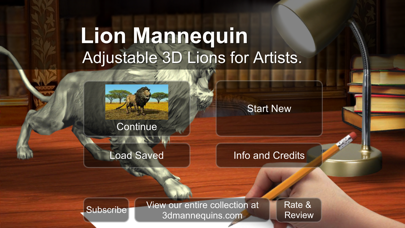
Draw a Lion in any pose you want.
Learn how to draw a Lion in any position.
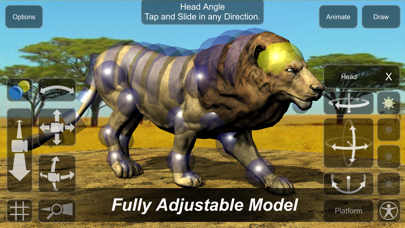
Poseable Lion for drawing.
Lion reference picture tool.
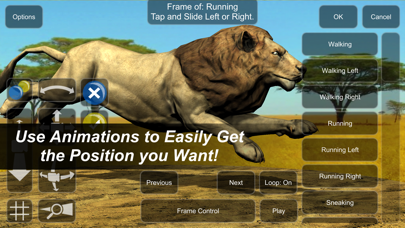
- Use animations for a list of natural movements and actions that will help you get the pose you want to draw fast.
- Use skins to increase detail and realism to your drawing.
- Select joints to adjust angle and position of limbs, achieve any pose!
- Adjust camera position, distance, angle, and zoom.
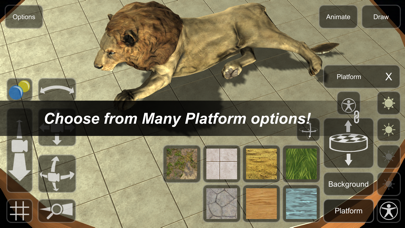
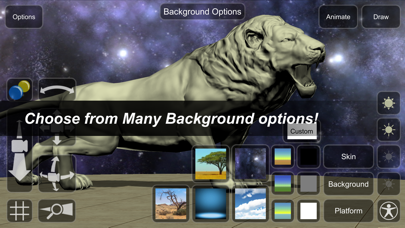
- Choose from many background and platform styles.
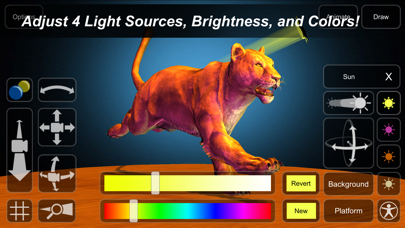
- Adjust 4 lights including color, angle, and brightness of each.
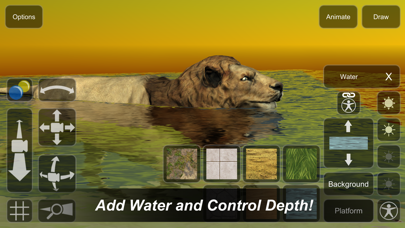
- Add water to the scene and control depth.
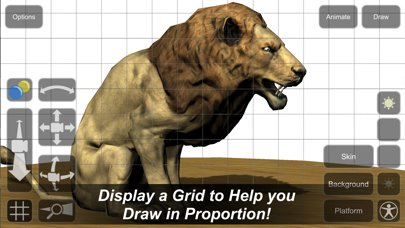
- Display a grid to help you draw in proportion.
Free to try!
Use In-app-purchase to unlock all skins and animations.
Great for artists of any level!
3dmannequins.com