Apps Like PoseBook 3D by Silver for iPhone and iPad
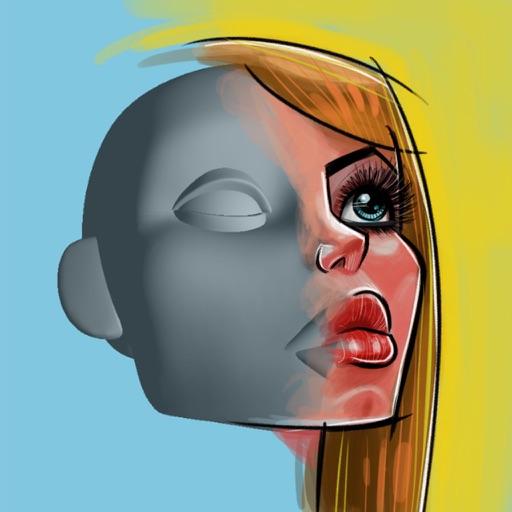
Practice head construction and rotation in 3D
3D allows users to practice drawing heads from different angles. Features include rotating and positioning heads, adjusting facial features, and observing form movement. Users can create and save custom poses.
by Stephen Silver★ 4.041 ratingsEducationFreeData updated 2026-09-08
Learn facial for artists with layered skeletal, muscular, fat, and skin structures. Explore detailed 3D models to understand proportions and relationships. Annotate and save notes for reference during drawing sessions.
The app provides employees direct access to critical HR information on mobile devices. Employees can view personal details, documents, benefits, pay stubs, and emergency contacts, secured by username and password.
Access personalized resources and content. Receive announcements and alerts tailored to your needs. View the Schedule of Classes and HR forms. Connect with GW departments and community members.
Design furniture and interior with step-by-step guides
Design furniture and interior layouts for houses and worlds. View step-by-step tutorials with images. Add and customize decor items. Save and share completed .
Test knowledge with and quizzes. Answer questions on four separate topics with randomized questions. Review rotating content to improve understanding. Prepare for classes or last-minute cram sessions.
Create frame-by-frame animations from scratch or based on videos, images, or Photoshop layers. Export in multiple formats. Draw and animate directly on iPad or iPhone.
Learn about historical events, birthdays, deaths, and holidays with daily updates and categorized content. Set reminders for important dates. View detailed facts and context about each event. Share facts socially.
Create a savannah scene with grass, water, and baobab trees. Add animals, lodges, and organize an animal park. Explore the environment by moving through it. Take photos of animals and follow them in a vehicle.
Explore by rotating, tilting, and zooming a 3D globe. Select locations to view topographic and gravity data. Pinpoint key features like volcanoes, craters, and spacecraft landing sites.
By for allows children to images by matching numbers to colors. Features include selecting colors, completing puzzles, and saving progress. Includes drawing and painting tools for creative expression.
Learn protocols, access resources, and review guidelines
Access clinical protocols and practices for resident, provider, and fellow use. Review peer-reviewed content updated every 1-2 years. Apply hospital-based guidelines to various medical settings. Share knowledge across 50+ countries.
Explore interactive stories about farm and wild , tropical forests, and underwater life. Complete puzzles to reinforce . Discover different modes of transportation and nature facts through engaging activities.
Create 3D pixel art using the Studio feature. Post artwork in the art feed. Receive feedback from the community. Access interactive instructions for building art with the PIXIO magnetic set.
Learn with a focus on . Identify and use descriptive words in sentences. Practice comparative and superlative forms. Complete interactive exercises and track progress. Receive feedback on grammar accuracy. Export notes for review.
Explore historical events with multimedia content. View events by date or select a specific day. Access photos, illustrations, music, and speeches related to each event.
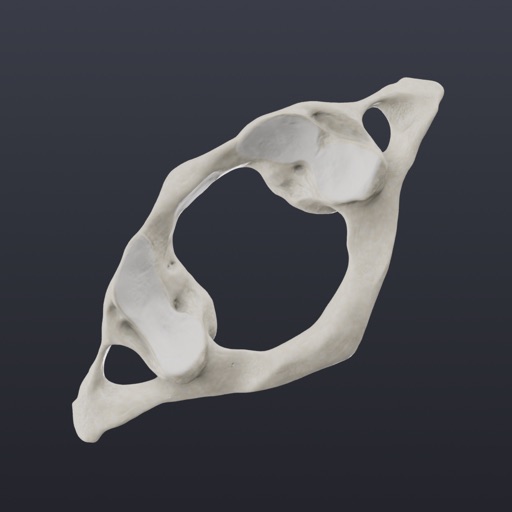
Explore a realistic 3D model of the human with adjustable lighting and background. Manipulate the model for full range of motion using dynamic sliders. Switch between user-defined poses and view layered anatomical structures.
Learn with comprehensive vocabulary, including over 700,000 words and 1 million example sentences. Access pronunciation for words and sentences. Study grammatical points, tense modes, verb prepositions, plural forms, and articles.