Measure sound levels using the built-in microphone. Display decibels in dBA with a digital readout. Show minimum, average, and maximum values. Visualize sound levels with a graph line.
Automate repetitive tasks by setting click duration and intervals. Perform automatic clicks on elements and game interfaces. Execute predefined sequences for web browsing and other applications. Manage automation settings and monitor task progress.
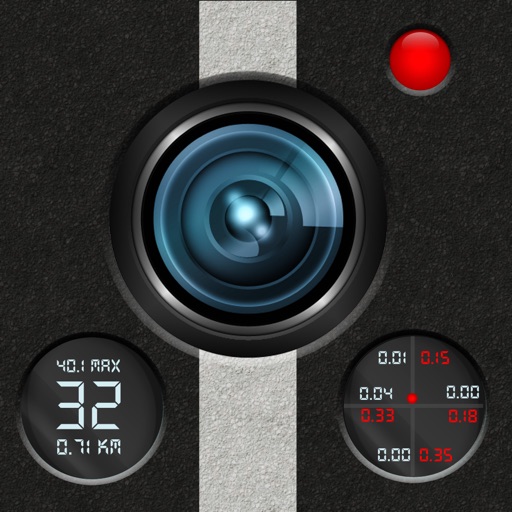
The app turns an iPhone into a dash cam to record drives and commutes. It records video with speed, distance, forces, and time, and stores or exports videos.
Monitor with a Heads-Up Display projected onto the windshield. Track real-time and historic data. Set limits and receive alerts. Adjust HUD settings for visibility. Export logs for review.
Perform calculations with a standard featuring extra-large buttons and functions like delete, x², √, and %. Use a scientific with 30 advanced functions. Convert units, calculate loans, and determine tips.
Track elevation and climb rate in real-time. Calibrate altitude settings and check GPS accuracy. Send location links via SMS for easy sharing and navigation assistance. View maps in web browsers for location tracking.
Navigation allows users to load custom charts in S-57, S-63, iENC, BSB, and KAP formats. It automatically downloads NOAA charts and raster maps. Users can create waypoints, routes, and tracks. Night color modes and anchor alarms are available.
Apply to any website for easier reading. Enable night shift with a yellow tint to reduce eye strain. Customize background color and opacity. Save battery power during nighttime browsing.
Track cycling speed, distance, and route in real time. Choose from three display modes: digital, analog, or map. View ride history and manage past rides. Automatically stop the timer when movement stops. Swipe to navigate between screens.
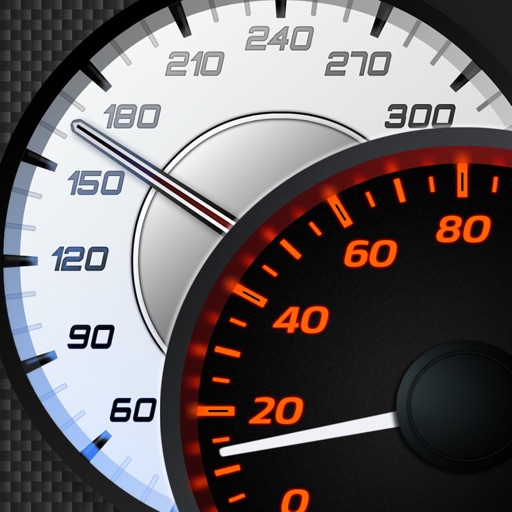
Track speed with accurate GPS measurements and view average and maximum speed per trip. Choose units and monitor distance traveled and estimated travel time. Use turn-by-turn navigation to build routes.
Display speed and heading with GPS accuracy. Show location of nearby speed cameras. Change speed units, prevent screen lock, and enable speed camera alerts in settings.
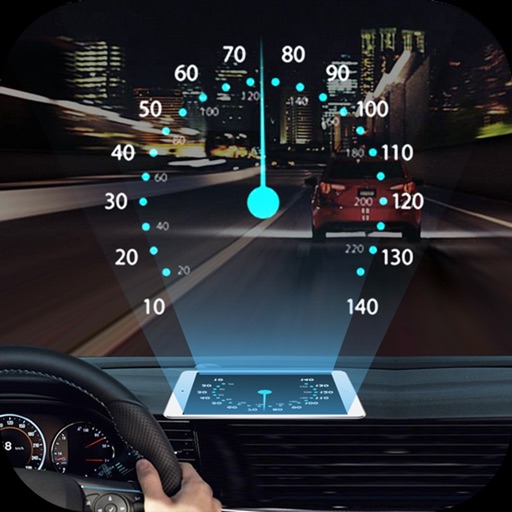
Projects speed, clock, weather temperature, cruise control, and now playing song information onto the windshield when iPhone is rotated and placed near the windshield. Displays data in landscape mode for easier visibility while driving.
Monitor vehicle movement, ignition status, and location in real time. Send commands like messages and route instructions. View tracks with speed, fuel data, and other metrics on a map.
The app calculates racing pigeon speed in various units including YPM, MPH, and KPH. It allows users to input distance in miles or kilometers and liberation and arrival times to determine speed and overfly allowance.
The app provides continuous audible monitoring of the user's current speed. It tracks speed using the iPhone's GPS and plays associated sound effects and changes color when speed enters defined ranges.