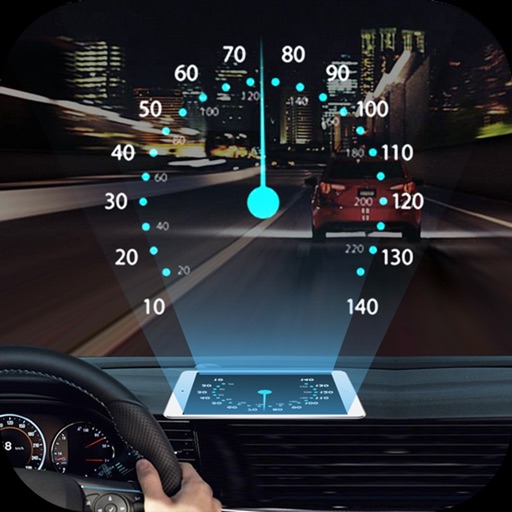
HeadUp Display car
Project navigation info onto windshield
Nikaan Nikzad
iPhone Screenshots



Description
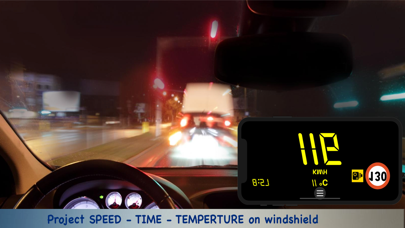
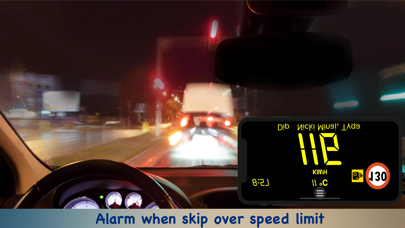
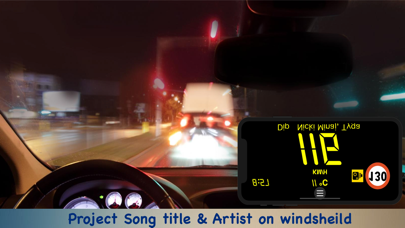
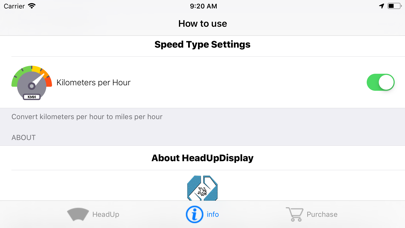
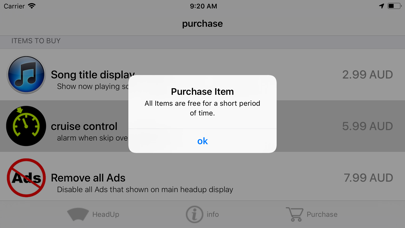
Projects speed, clock, weather temperature, cruise control, and now playing song information onto the windshield when iPhone is rotated and placed near the windshield. Displays data in landscape mode for easier visibility while driving.
What 's HeadUp Display: (HUD) projects navigation and some information onto windshield of your car, make driving at night more safer and attractive.
How to Use HeadUp Display:
step 1: Launch the app
step 2: Rotate your iPhone into landscape mode.
step 3: Place the smartphone close to the windshield.
step 4: The exact data include speed, clock, weather temperature, Cruise control and now playing song title and artist name are projected onto windshield.