Apps Like CropSize: Image Resizer Editor for iPhone and iPad
Resize, edit, and optimize images
Resize and crop images for specific dimensions and resolutions. Adjust colors and metadata accurately. Batch process multiple files with customizable workflows. Export in various formats for social media, printing, or projects.
by Aliaksei Khutarshchykau★ 4.7411 ratingsPhoto & Video$5.99Data updated 2026-09-08
Create digital cards by selecting themes and adding decorative elements like flowers and frames. Enhance photos with beauty accessories and customize them using various items. Save or share cards on social media.
Edit photos with filters, effects, and shapes. Add text and stickers. Crop and adjust images. Share directly to social networks. Apply pre-designed styles for modern looks.
Split photos into multiple squares for Instagram posts. View metadata, edit images, add tags and descriptions. Organize photos with titles and personal branding. Share directly to Instagram.
Create by adding captions, stickers, and rage faces to images. Share directly with friends. Edit images with text and visual effects. Choose from various templates and customize layouts.
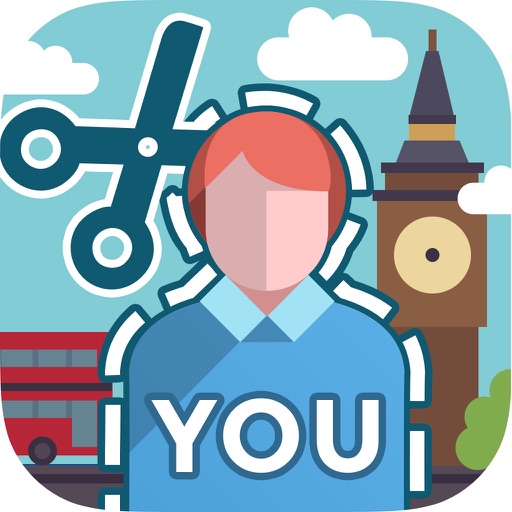
Select a monument from the collection. Crop a photo by pressing the silhouette button. Draw the desired area your finger to cut out your figure. Position yourself within the chosen image section.
Edit photos with one-touch filters for vivid, delicious results. Adjust brightness, contrast, and saturation. Add text overlays and stickers. Share edited images directly to social media or blogs.
Edit photos by adding , stickers, and text. Create collages and cards with customizable designs. Upload images from the gallery or take new photos. Choose from pre-designed and stickers. Add notes and messages to photos.
Batch resize multiple photos with one action. Remove bulk original photos simultaneously. Search for photos by date or category. Preview resized photos in the list. Integrate with favorite camera apps for seamless photo management.
Expand photos to any aspect ratio without borders or cropping. Adjust images for social media or design projects. Maintain natural quality during resizing. Outpaint and uncrop photos effortlessly.
The app allows users to crop photos into a square shape for posting on Instagram. It supports both landscape and portrait orientations and offers various background options and effects.
Take photos with multiple filters, light leaks, and effects. Use a timer, volume keys, and composition lines. Crop images in various ratios. Edit photos with filters and apply them to images taken with other apps.