Access real-time images from the TrueDepth camera for low-light photography. Pan the display to face angles from different perspectives. Switch between 3D and 2D views to see depth data alongside the original image. Save 3D face photos directly.
The app allows users to select foreground images from various sources and erase backgrounds. Users can then add background images, text with over 100 font styles, and over 1000 stickers to create edited photos.
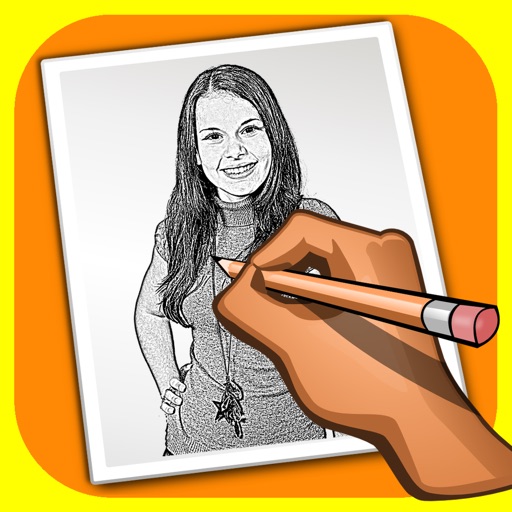
The app transforms user photos into pencil drawings with a sketch shine effect. Users can apply this filter to images captured with the device's camera.
The app helps users resize photos to fit their screen for wallpapers. It offers features like image move, resize, rotate, blur effects, and a color palette.
The app allows users to change picture backgrounds for photo makeovers. Users can add text with adjustable font, color, and transparency, and choose from over 65 backgrounds.
The app allows users to change the tone of their photos. Users can select from ten different tones, such as gray, sepia, and blue, to alter the atmosphere of a photograph.
Extract colors from photos or camera snapshots. Pan, pinch, and zoom to select areas. View RGB, HEX, CMYK, HSB, and LAB values. Access complementary and Pantone schemes. Export information.
The app displays user pictures in a virtual gallery. Users can add pictures from albums, arrange them on walls using gestures, and add frames with custom depth, width, and color.
Displays selected images on the iPhone desktop with three customizable styles. Users can choose and update images, delete unwanted ones, and switch between featured albums. Future updates include calendar, countdown, and weather features.
Is a vector-based drawing tool for 2D CAD. Users can create lines, rectangles, ovals, arcs, polygons, and text. Freehand drawing with vectorization and spline tools is available. Objects have adjustable attributes.
Edit photos with filters, collages, and stamps. Add text and stickers. Save to albums. Share directly to blogs and social media. Apply toy camera effects. Adjust brightness and contrast. Crop and resize images.
Create collages by selecting photos from the album. Choose from 60 colors and 100 tape designs. Add hand-teared textures and draw on tapes. Save collages to an album or share on social media. Track design history and preferences.
Access iMessage stickers by tapping the Store icon beside the iMessage chat. Copy-paste emojis into messaging apps like WhatsApp, Facebook Messenger, and Viber.