
iPhone Screenshots

Description
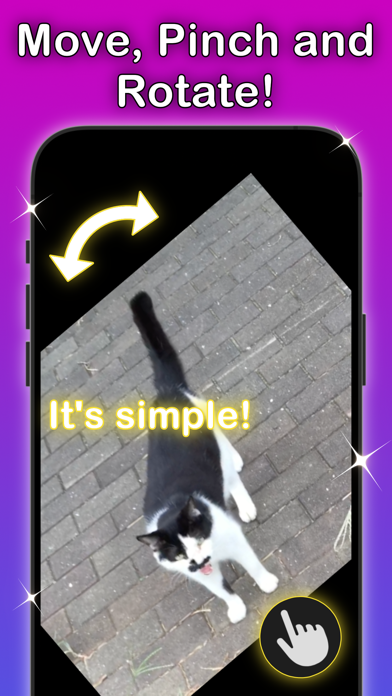
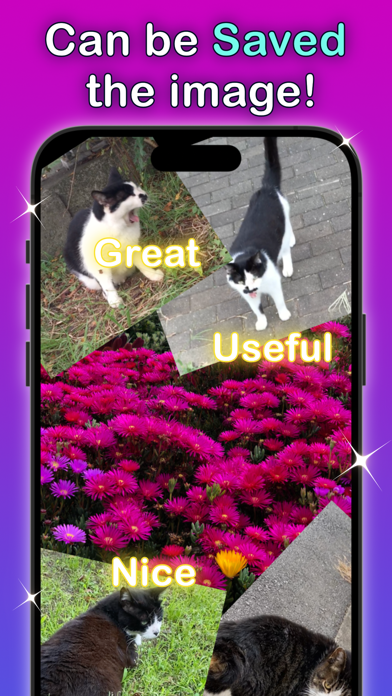
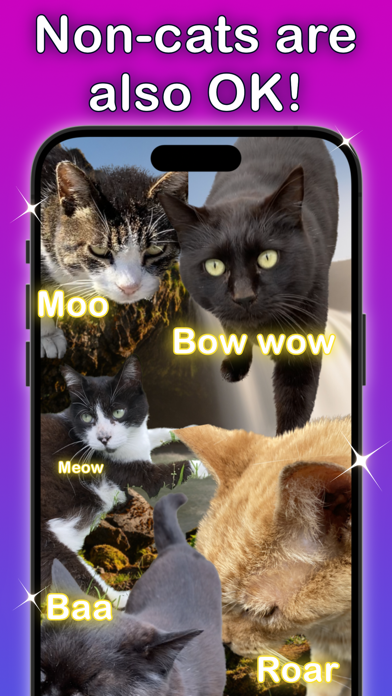
The app allows users to paste selected photos onto the display. Users can move, zoom, and rotate these images, and place them on other pictures.
Your favorite photos can be pasted on this app for making a favorite image. They are available to move, zoom, rotate and put on other pictures, also you can do them anytime and anywhere.
[ Features ]
- Easy to use!
- Simple zooming and rotating
- Pastes many pictures if you want
- Locking display
- Support for landscape
[ How to use it ]
1. Just tap Album icon(bottom left), then select your photo.
2. The photo will be pasted on the display.
3. You can move, rotate and zoom it anytime.
4. If you want more photos, just tap an album icon again.
[ Tips ]
- A photo you tapped will move to top of hierarchy of pasted pictures.
- If you tap Lock icon(right of album icon), all buttons will be hidden and the display will be locked. Then if you tap 3 times in a row while locking, the display will be unlocked.