
iPhone Screenshots


Description
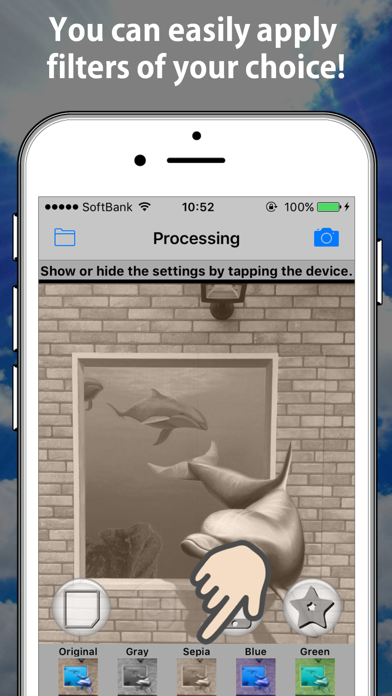
This application can change the overall tone of your photos.
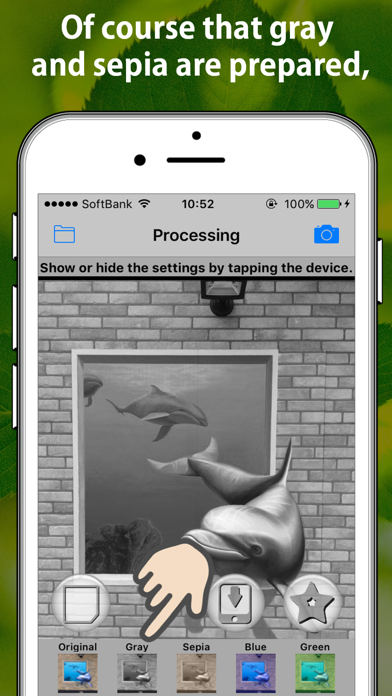
You can select it from ten kinds. (gray, sepia, blue ...)
Please use it for the cases that want to change the atmosphere of the photograph.
Step is shown below.
1. Please take a photograph in the "Camera" tab.(※1) Or select a photo in the "Image Select" tab.
2. Please select the tone to move the scroll view(※2) in the "Processing" tab.
3. Please select the "save" button.
※1 The camera icon of the top right of screen show the "Camera" tab, the folder icon of the top left show the "Image Select" tab.
※2 You can show or hide the slide bar if you tap the device in "Processing" tab.
Please look at support URL for details.
Thank you.