Connect to via Bluetooth to send photos for instant printing. Adjust image orientation and zoom before printing. Use smartphone as remote control to trigger camera shutter. Transfer printed photos to device for storage.
Choose a photo from your camera roll or take a new one, then apply effects automatically. Select from various styles, adjust positioning, zoom, and customize edits. Save and share the final .
Add grids to images with 5 types including rectangle and square options. Customize lines with RGB colors. Adjust rows and columns or set row height and column width. Export edited images.
Texas customers can pay bills, check balances, and review payment history. Manage account services including AutoPay and Tree Free billing. Transfer electricity service to a new address. Access plan details and billing information.
Edit photos using masks and blend modes. Combine images with multi-exposure settings. Apply filters from other apps with adjustable intensity. Add or replace objects and textures. Create custom filters with overlays. Add watermarks or logos.
Upscale and enhance images using AI models. Support scaling up to x4. Process photos, GIFs, HEIC, JPEG, PNG, and WebP files. Choose from AI models like RealESRGAN x4 Plus. Select images from the photo library or files and tap upscale.
Enhance low-quality photos using machine learning. Import images from gallery or capture new ones with camera. Tap a button to automatically improve resolution. Compare before and after enhancements in real time.
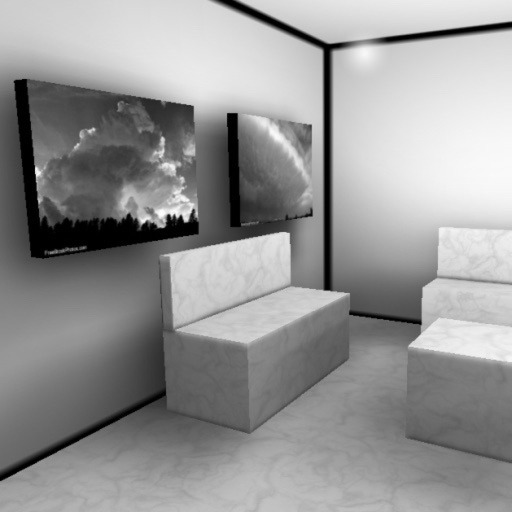
Explore virtual 3D galleries with real-time graphics and multitexturing. Add personal photos to galleries. Navigate using touch controls to move and change perspective. View animated textures and lightmaps for immersive experience.
Using images to find details and sources from Google, Bing, Yandex, and Lenso.ai. Identify plants, spot catfish, find original artists, and discover better product deals. Compare results across multiple engines.