
Grid # - Add grid on image
Add grids to images and customize styles
金鹏 王
iPhone Screenshots
Description
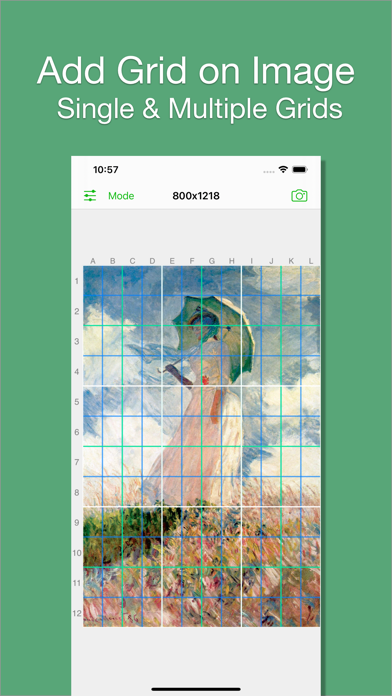
Add grids to images with 5 types including rectangle and square options. Customize lines with RGB colors. Adjust rows and columns or set row height and column width. Export edited images.
I believe there are always some people in this world who want to add grids to images, just like me. That's why I developed Grid#. Hope it helps.
Features:
1. Add grid on image.
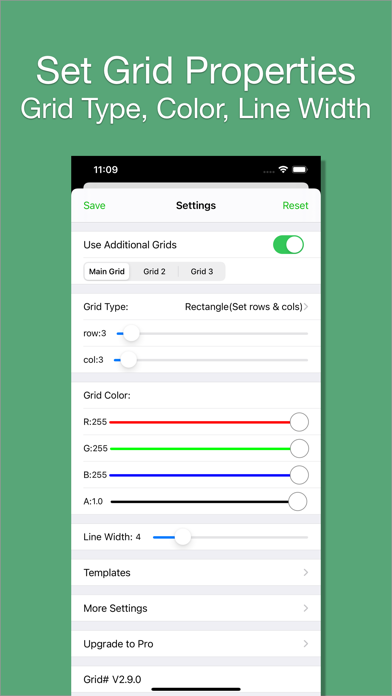
2. There are 5 types of grids you can choose:
- a. Rectangle(Set rows & cols)
- b. Square(Set rows only)
- c. Square(Set cols only)
- d. Rectangle(Set row height & col width)
- e. Square(Set row height only)[pro feature]
3. The lines can be colourful. Use whatever RGB color you like. You can change lines' transparency.
4. You can change line width (from 1 to 20).
5. You can add multiple grids(at most 3) on the image.
[grid 3 is pro feature]
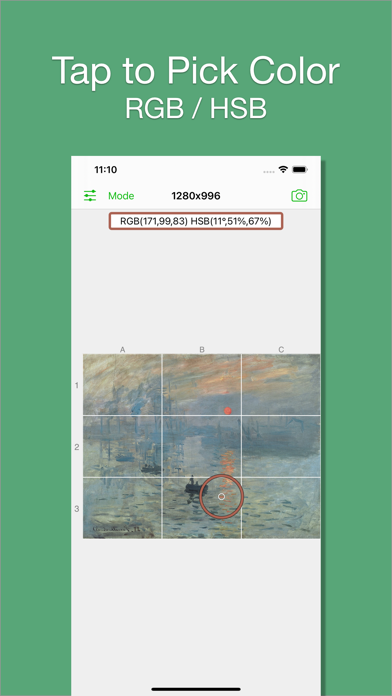
6. You can pick colors from image.
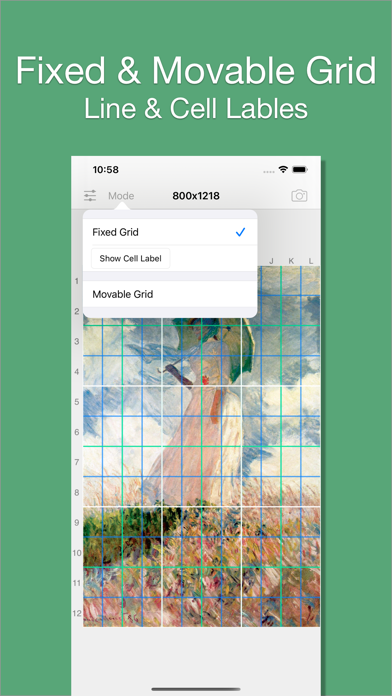
7. There are 2 modes:
- a. Fixed Grid: Grid cannot be moved nor be rotated.
- b. Movable Grid[pro feature]: Grid can be move, or be rotated (Move two fingers around each other to rotate the grid)