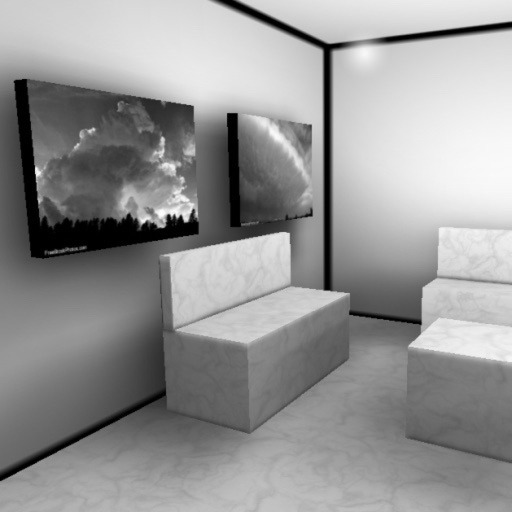
iPhone Screenshots
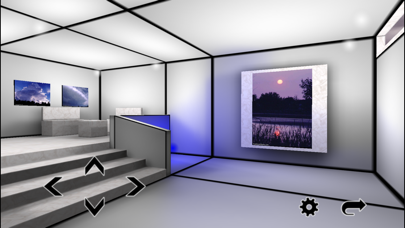
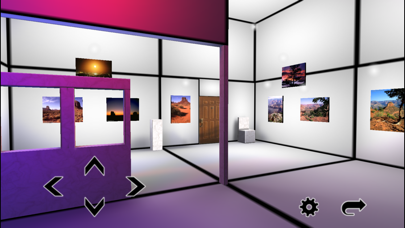
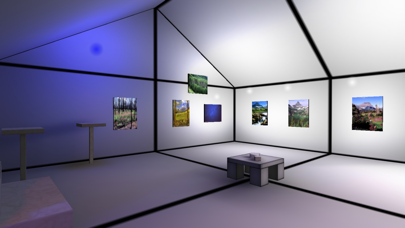
Description
Explore virtual 3D galleries with real-time graphics and multitexturing. Add personal photos to galleries. Navigate using touch controls to move and change perspective. View animated textures and lightmaps for immersive experience.
Walk through virtual galleries in real-time and include your own pictures!
*****
3D Gallery version differences:
3D Gallery:
- 3 galleries.
- Space for 6500 pictures.
3D Gallery Lite:
- 1 gallery.
- Space for 50 pictures.
*****
Smooth graphics:
- Realtime 3D graphics engine.
- Multitexturing, animated textures, lightmaps.
- Efficient rendering functions.
Simple touch controls:
- Drag/flick your finger across the screen to change your line of sight.
- Touch the arrow buttons to walk. Walk through the doors to see all rooms.
- Double tap on the picture frames to edit them: Move/rotate/resize them and insert pictures from your own albums.
- Insert multiple photos at once.
- Transfer photos to other devices.
Set the current mode of 3D Gallery in the options menu:
1) Editing mode: Double tap on a picture frame to launch the editing screen.
2) Picking mode: Double tap on a picture frame to directly launch the image picker.
3) Camera mode: Double tap on a picture frame to launch the camera.
4) Viewing mode: Double tap on a picture frame to view it zoomed and centered!