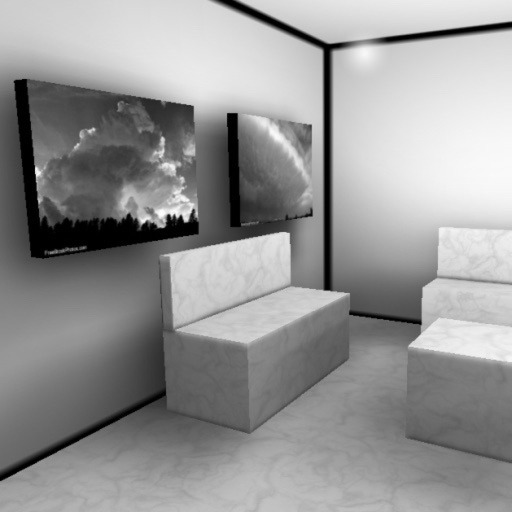
Explore virtual 3D galleries with real-time graphics and multitexturing. Add personal photos to galleries. Navigate using touch controls to move and change perspective. View animated textures and lightmaps for immersive experience.
by Christoph Arnold★ 4.84 ratingsPhoto & VideoFreeData updated 2026-09-06
The app displays user pictures in a virtual gallery. Users can add pictures from albums, arrange them on walls using gestures, and add frames with custom depth, width, and color.
With filters, cropping, and adjustment tools. Apply beauty enhancements and double exposure effects. Use color splash and resize images. Access frames and story templates. Change resolution and export in multiple formats.
Clean up iPhone by removing duplicate photos and videos. Delete similar screenshots and lookalike videos. Compress large files to save space. Clear spam emails and organize contacts. Merge duplicates and free up space with one tap.
Edit photos with filters, cropping, and adjustments. Access portrait mode, double exposure, and manual settings. Scan high-resolution films. Share images via social media. Participate in photography challenges and view community submissions.
Edit photos using one-tap presets for instant style. Adjust brightness, contrast, and saturation manually. Crop, rotate, and straighten images. Add text, stickers, and borders. Export edits in various formats and share directly.
Edit photos with 40+ filters and apply HD frames. Share custom frames and effects with other users. Add romantic or love-themed frames to digital images. Export edited photos in high quality.
Securely and videos behind a lock screen. Create and manage multiple albums with customizable names and thumbnails. Share unlimited media within albums. Support for GIF files. Add content via gallery, iTunes, or direct import.
Create collages by selecting multiple images and arranging them in different grid layouts. Add frames from a collection of 100+ designs to enhance images. Build personal stories by organizing photos and sharing them directly.
Select photos from gallery or photo library. Choose from numerous PIP frames. Use single image for both foreground and background or different images for each. Edit foreground and background separately. Apply photo filters.
Create photos with customizable . Select from options. Add photos from gallery or capture new ones. Apply filters for enhanced appearance. Include stickers or emojis. Save and share edited images.
Edit photos by adding customizable beards and mustaches. Choose from various styles and positions. Resize or rotate elements using multitouch. Save edited images and share them with others.
Edit photos by applying and effects. Select images from the gallery or camera. Adjust frame position, size, and angle. Choose from multiple stylish frame options and effects.
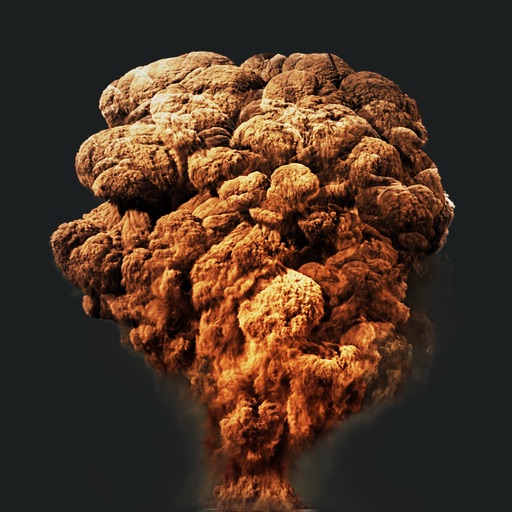
Create action scenes with realistic including fire, explosions, blasts, and muzzle flashes. Import or take a photo, then add by tapping and adjusting their position, scale, and rotation.
Capture photos and videos with manual controls, exposure adjustment, and focus customization. Import and organize media from iOS photo library. Edit images with filters, cropping, and brightness adjustments. Share directly to social media or email.