Lectures lets users capture and organize notes with automatic summarization. Create and edit notes, add voice recordings, and categorize content. Sync notes across devices and search for specific keywords or phrases.
Create and manage unlimited journals for notes and schedules. Sync with iCloud for cross-device access. Export and share pages. Choose from 10 theme colors and grid styles. Switch between light and dark modes.
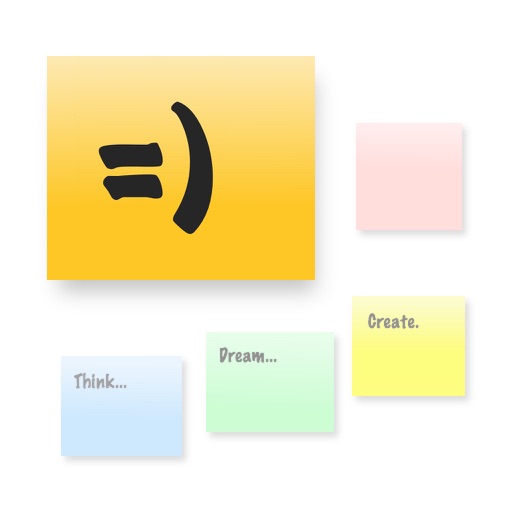
The app provides a large, zoomable board for capturing and organizing ideas with digital sticky notes. Users can drag and drop notes, use various colors, and email boards as PDFs for sharing.
Create to-do lists and set reminders for tasks. tasks into boards or lists. Assign priorities and set deadlines. Track progress with visual boards. Sync across devices and collaborate with others. Receive notifications for upcoming tasks.
Track time with customizable stopwatches. Create new timers by tapping «+», select colors, and add descriptions. Monitor stopwatches simultaneously. Log time spent on tasks or habits. Set reminders for ongoing activities.
Save and organize web links, documents, and notes in a single . Add tags and notes to each item. Browse saved references, manage todos, and access content across devices.
Clip web content to a personal knowledge base for offline access. Save articles, recipes, and travel ideas with the web . Organize notes using secure, open formats. Sync across devices and search saved content efficiently.
Access meeting packets and annotate materials with sticky notes, drawing, highlighting, underlining, and strike-through. View packets online or offline. Print or email packets optionally. View full contact information.