
iPhone Screenshots

Description
*To ensure Tabs Magic functions correctly, when prompted for permission to access your browsing history, select "Remember for other websites" and then click "Always Allow."
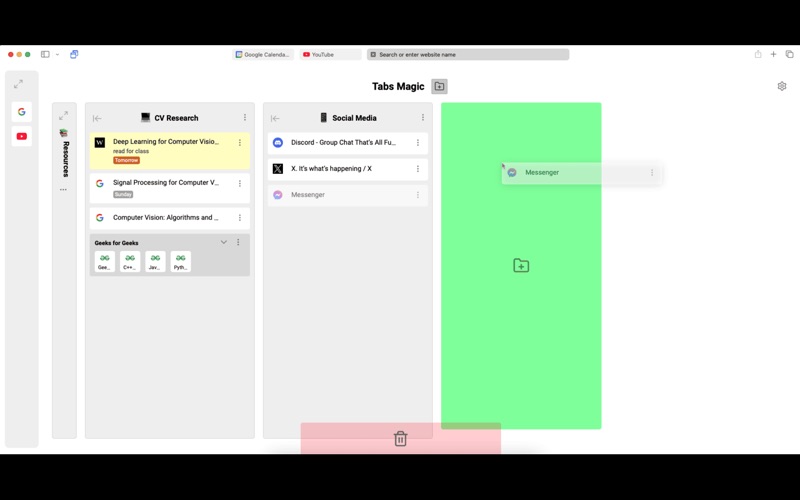
Tabs Magic is a New Tab extension that allows you to easily organize your tabs into customizable visual columns.
- Save tabs by dragging and dropping them into a column from the New Tab page
- Rearrange tabs and columns via drag and drop
- Rename, color, and add a note to a tab
- Set reminders by adding dates to tab notes with natural language, like "3 days from now" or "Nov 1"
- Select multiple tabs at once by clicking on the tab icon
- Create a group inside a column by dragging and dropping tabs on top of each other
- Collapse tab columns via the minimize button
- Open all tabs in a group/column simultaneously
Note: Besides opening a new tab, clicking the Tabs Magic icon from your extensions toolbar will also allow you to access your columns.