Blur faces or sensitive information with a single tap. Apply masks, adjust blur intensity, and resize or rotate blurs. Preview, save, and share edited photos. Protect privacy by blurring documents, license plates, or unwanted elements.
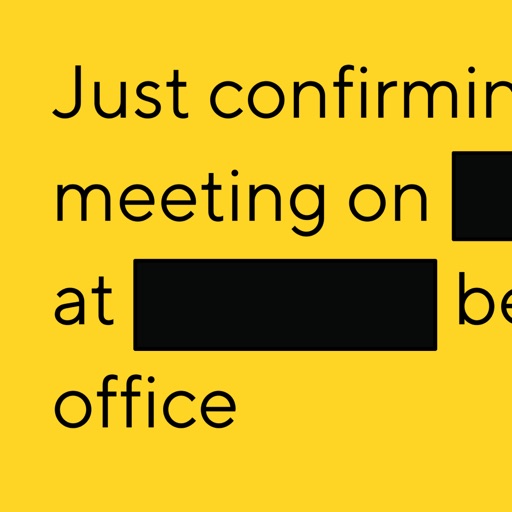
Automatically detects and hides private text in images. Users can edit photos to remove sensitive information like phone numbers and addresses. Adjust redaction areas and export edited images for sharing.
Create custom watermarks by adding logos, copyrights, and designs to photos. Choose from fonts, clip art, and colors for customization. Use transparent backgrounds for clean integration. Apply watermarks directly to images and share them.
And videos to obscure specific areas or entire footage. Adjust shapes, trace with finger, or auto- faces and cars. Process audio and change speed. Create fluffy effects.
Allows users to or unblur specific areas of a . Apply Gaussian, Zoom, or Motion effects. Use Mosaic effects like Pixel, Crystalize, Dots, or Glass. Zoom and rotate for detailed editing.
Identifies and removes similar photos using AI. Users can delete duplicates and screenshots. The helps organize albums and free up space. Photos can be sorted and managed efficiently.
Identifies and removes duplicate photos, low-quality images, and blurred screenshots. Automatically frees up storage space by deleting unwanted files. Uses machine learning, face detection, and neural networks for accurate analysis.
Store and manage and videos with folder creation and sub-folder organization. Transfer files via USB, copy, move, and share media. Take private and videos directly from the . Sync media across devices using iCloud.
Edit screenshots by selecting and redacting text, highlighting key details, adding strikethroughs, and drawing freehand annotations. Adjust text appearance with styling options and export edited images.
Clean up photos, videos, and contacts to free up storage space. Lock sensitive media in a secure file locker. Remove hidden clutter and junk with simple, intuitive controls.
Record screen to create scrollshots without taking multiple screenshots. Stitch screenshots together to view long content. Edit and annotate stitched images. Share or save final compositions.