
iPhone Screenshots



Description
And videos to obscure specific areas or entire footage. Adjust shapes, trace with finger, or auto- faces and cars. Process audio and change speed. Create fluffy effects.
Blur and mosaic videos easily with powerful editing tools.
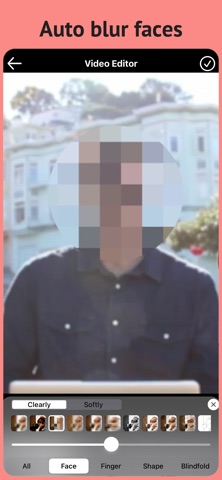
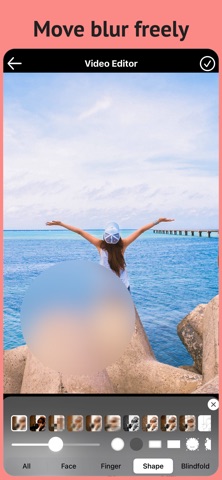
Blur the entire video, blur specific areas by moving the mosaic during playback, blur areas traced with your finger, or automatically blur faces.
Choose shapes for precise blurring and pixelation.
Adjust video speed, edit audio, and create smooth, soft-looking videos.
Premium features include ad-free editing, automatic background blur, background removal or color replacement, and automatic car license plate blur.