
Screenshot Editor - TextMask
Edit text in images and draw freely
Khuong Pham
iPhone Screenshots


Description
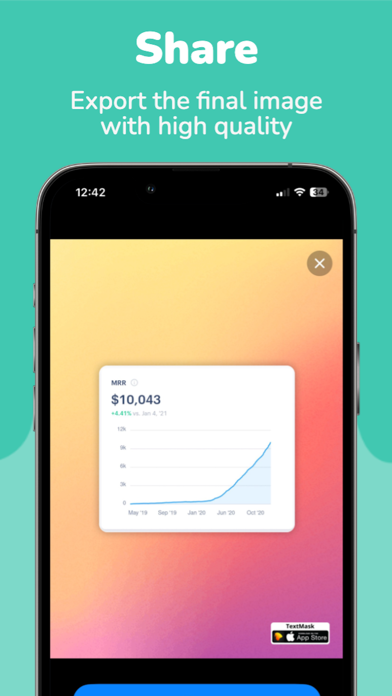
Edit screenshots by selecting and redacting text, highlighting key details, adding strikethroughs, and drawing freehand annotations. Adjust text appearance with styling options and export edited images.
TextMask is the ultimate screenshot editor app, expertly designed to empower you to work with text within images. Whether you need to redact sensitive information, emphasize critical details, underline important text, or express your creativity with freehand drawings, TextMask offers a versatile set of tools to meet your needs.
Key Features:
Live Text Detection: Instantly identify and select text within your images.
Markup Tools: Annotate images with redaction, highlighting, strikethrough, underlining, and more.
Explore our advanced Blur and Pixelate features:
Blur: Seamlessly obscure sensitive or private information with adjustable blurring. Maintain privacy and security with precision.
Pixelate: Transform sections of your images into pixel art, ensuring complete anonymity while still keeping your content visually engaging.
Customizable Options:
Tailor your annotations with various colors and line thicknesses. Customize your editing experience for the best results.
Efficiency: Save time and streamline your workflow with accurate text recognition.
Privacy Matters:
Safeguard sensitive information by securely redacting it from your images.
TextMask empowers you with a comprehensive suite of tools to enhance your image editing experience. Create impactful and secure visual content effortlessly.
For more information, visit https://indiegoodies.com/textmask
Terms of use https://indiegoodies.com/textmask/terms
Privacy policy https://indiegoodies.com/textmask/privacy