
Apps Like Pixel Art Focus for iPhone and iPad
Ranked alternatives
Showing 121–140 of 1,000 ranked alternatives.

Videocraft: Video Maker
Mauricio Eastmond
Edit videos and photos with effects
Create videos by combining clips, photos, GIFs, and music. Add text, sound effects, and voiceover. Choose aspect ratio, resolution, and frame rate. Sync with iCloud Files. Share finished videos directly.

Xer
志明 丁
Edit photos with multiple layers.
The app offers multiple-layer editing for photo manipulation. Users can add new layers, adjust their size, and apply various effects.
pixelcam
Jesse Smith
Capture and customize pixel art photos
Turn photos into retro video game-style images. Select pixel shapes, sizes, and color schemes. Adjust colors and flatten palettes. Pinch to resize pixels or double-tap to switch color modes.

Art Tools
Accurasee
Capture and analyze your subject matter
Use the to capture or select a reference image for painting. Adjust the canvas size to match the chosen window. Access grid options like the golden ratio or use no grid.

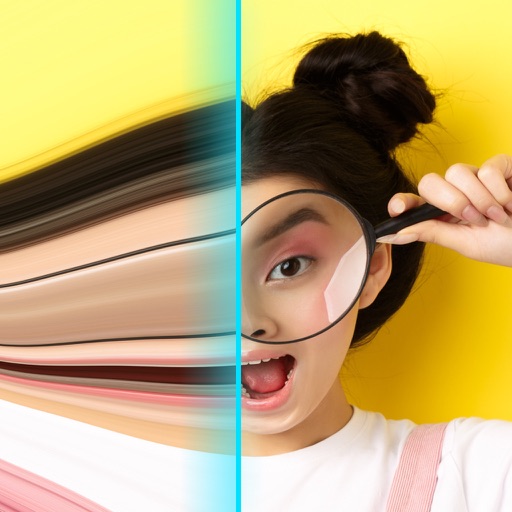
Time Warp Scan.
Ftustudio Company Limited
Capture videos that bend and space
Record videos with - effects by capturing footage and adjusting scan speed, direction, and timer. Freeze or stretch specific parts of the frame to create surreal visuals. Share the edited videos directly from the .


Photo Edits with Foto Resizer
Iftikher Sultan
Take photos advanced controls
Edit photos adjustable temperature, tint, and exposure settings. Use texture blending tools and apply effects. Add stickers opacity and shadow control, and include text 3D effects and multiple fonts. Crop, rotate, and straighten images.

Green Screen Studio
Pocket Bits LLC
Change backgrounds with chroma key.
The app allows users to change a monochromatic background into any image. It offers tools to manually remove backgrounds without a green screen and includes features like auto-enhance, drawing, stickers, text, and various photo effects.
WaterLili - WaterColor Effect
esDot Studio Inc
Convert photos to art
Convert photos to style with 16 customizable masks. Adjust colors and settings for detailed control. Save high-resolution artwork for print. Share creations socially. Supports iPhone, iPad, and iPod touch.


Blur Photo Editor - Auto Blur
Himanshu Rupareliya
Edit photos with tools and effects
Edit photos with one-tap tools including Gaussian, zoom, and motion . Adjust brush size and apply glass, crystalize, or pixel effects. Save edits in low or high resolution to camera roll.

Pic Collage Photo Maker
HOANG PHAM
Edit photos, create collages, share squares
Create collages with customizable blur backgrounds and adjustable layouts. Apply filters like black and white, vintage, and retro to enhance images. Edit photos by resizing, cropping, or deleting elements.
PixelPencil - Pixel art editor
Yosuke Seki
Draw art with layers and zoom
Create art with layer editing tools including adding, deleting, duplicating, hiding, sorting, and grouping layers. Use blend modes and transparency settings. Access various tools like pen, eyedropper, eraser, and selection.

How we rank alternatives
Apps are ranked by functional similarity, category fit, rating confidence, and popularity.