iPhone Screenshots


Description
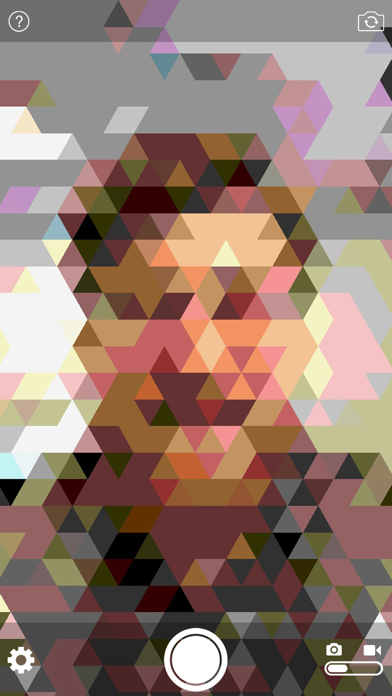
Turn photos into retro video game-style images. Select pixel shapes, sizes, and color schemes. Adjust colors and flatten palettes. Pinch to resize pixels or double-tap to switch color modes.
Pixellated Portraits. Lo-Fi Landscapes. Arcade Art.
pixelcam turns your camera into a retro video game lens.
Tweak the image by choosing a pixel shape (triangular, square, or hexagonal), picking a pixel size, choosing from 3 different color schemes, and flattening the number of colors.
You can also pinch to change the pixel size directly, or double-tap to jump between color modes.