And videos to correct orientation or invert the image. Adjust portrait or landscape orientation directly on the device. Edit videos by flipping them upside down or rotating to match desired format. Save and share modified videos.
Create animations with drawing tools, color options, and frame management. Import images or draw directly. Export and share animations on Cineverse. View progress and refine frames for detailed editing.
The app transforms an iPad into a film illuminator viewer. Users can select different styles and adjust settings like rotation, brightness, and grid overlays.
Edit videos with real-time preview, trimming, and splitting. Add transitions, text, and stickers. Export in 4K resolution. Use external keyboard and mouse for efficient editing. Supports iPad, iPhone, and Mac with Apple M1 chip.
Create and edit spatial data files using text or dBASE formats. Generate KML/KMZ files for map locations. Display icons, circles, cylinders, lines, and polygons. Add images with midpoint or corner points.
The app transforms photos into halftone and rasterized artwork using dots, lines, and shapes. It offers creative modes like Grid, Interlaced, Radial, and Photo, with options for bicolor, multicolor, or full color.
Create handwritten notes on iPad or iPhone. Import and annotate PDFs. Draw ink with finger, resize, recolor, and move doodles. Add text with customizable fonts, color, and alignment. Include shapes like arrows, polygons, and diagrams.
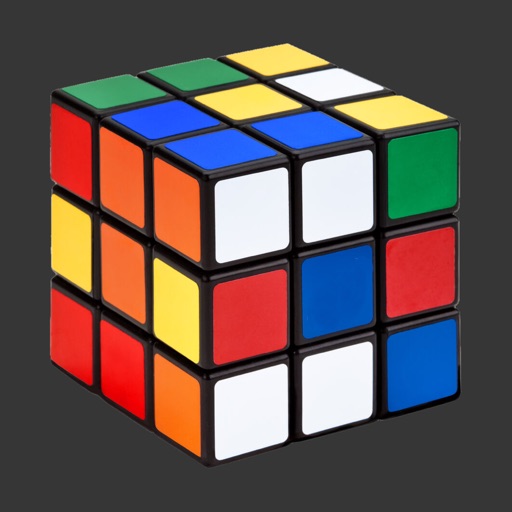
Solve Cubes of sizes 2x2 to 7x7. Rotate layers with finger swipes or tilt the phone for viewing angle changes. Use AI hints to assist with solving steps.
The app allows users to develop OpenGL ES 2.0 and 3.0 shaders on a mobile device. It features syntax highlighting, code completion, and the ability to import and export various file formats.