3D models using gesture-based controls for object and camera manipulation. Multi-select vertices, edges, faces, and objects with long taps or frame drawing. Merge, connect, and create faces from vertices. Draw cuts on edges.
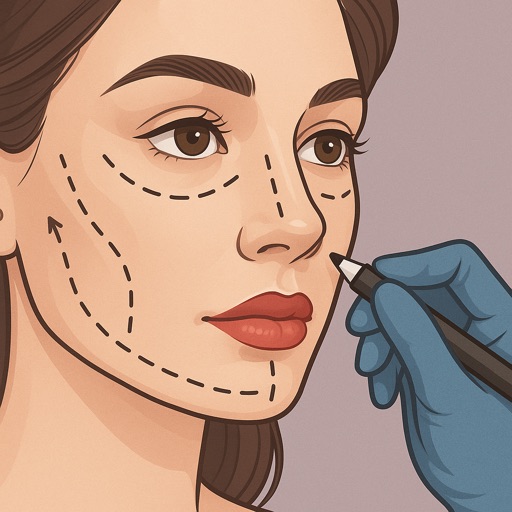
Preview fillers, Botox, rhinoplasty, facelifts, and jawline contouring using AI-generated images. Adjust details like shape and volume. Save and share results. Compare before-and-after views.
Create 3D art with advanced editing tools. Build models using intuitive controls. Export to multiple formats. Use AR to preview creations. Design assets for games or the metaverse.
Create detailed 3D voxel models from 2D images with minimal steps. Export models in multiple formats. Adjust voxel density and resolution settings. Import images from the device or camera. Apply texture maps to enhance model details.
Backgrounds from photos using AI-powered tools. Edit photo backgrounds, replace with new ones, and generate PNG files. Save and share edited images directly.
Edit photos and images with advanced tools for retouching, layering, and painting. Create multi-layered art and designs. Adjust colors, contrast, and lighting. Export in various formats and share directly.
Create and edit 3D models using for iPad and Web. View 3D projects without a subscription. Collaborate on designs, adjust materials, and export models in various formats. Access free 7-day trial for full features.
Create logos, icons, and illustrations using tools. Combine pre-designed elements to build complex graphics. Cut, merge, and intersect shapes. Manipulate layers for detailed design control. Export in multiple formats.
Edit photos and videos with 40+ customizable presets. Adjust brightness, contrast, and saturation. Add text, stickers, and overlays. Export in multiple formats and share directly. Sync edits across devices.
Edit videos using AI Auto Edit tools. Convert images to with AI Image-to- features. Apply AI Art filters for Vivid Anime and Fairy Classic styles. Use templates like Sunflare and AI Kissing for creative effects.
Create 3D models and architectural designs using NURBS technology. Import and export files in standard CAD formats. Modify geometry with advanced editing tools. Add textures and materials to surfaces. Generate 2D drawings from 3D models.
Edit photos with 200+ filters and AI art effects for enhanced visuals. Adjust brightness, contrast, and saturation. Add text, stickers, and animated effects. Export in various formats and share directly. Apply AI flash for vintage aesthetics.