Create a photo list from your library or camera, sorted by date. Tap a photo to open a map and navigate to its location. Swipe left to remove photos. Add new photos by tapping the '+' button.
by Annie Wang Publications★ 5.02 ratingsNavigationFreeData updated 2026-09-06
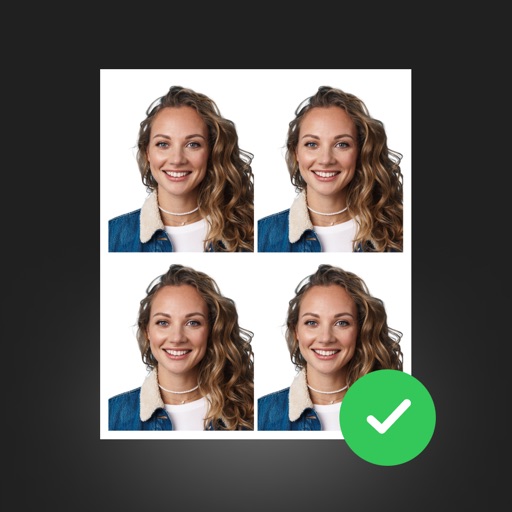
Create ID photos with intelligent makeup and skin adjustments. Choose from multiple clothing templates. Remove and replace backgrounds automatically. Select from various size options. Generate ID photos quickly with a large-capacity layout.
Create slide shows by combining photos into videos. Choose from 150+ transitions and 50+ tracks. Adjust photo size or without cropping. Support multiple aspect ratios. Add 20+ animations and edit photos and freely. Share or save the final video.
Create professional ID photos with AI tools. Automatically detect faces and remove backgrounds. Resize and crop portraits to fit official sizes. Support multiple countries' requirements. Generate printable -sized images for children and adults.
Create digital collages using images from your photo library. Crop and remove solid backgrounds from photos. Rotate, resize, and reposition images. Adjust background size and tint. Experiment with creative arrangements for digital art.
Add and time stamps to photos automatically or manually. Include captions and watermarks with customizable text. Apply signature stamps and logo overlays to protect photos with copyright marks.
View two different albums side by side or compare photos directly. Swipe left/right to navigate, pinch to zoom, and double-tap to enter full-screen mode. Create combined side-by-side images and access detailed EXIF data.
Edit photos by selecting frames in square or portrait format. Reposition, resize, and crop images within the . Customize appearance and apply filters. Preview final edits and save to photo library.
Organize photos by swiping to delete or keep images. Identify duplicates, blurry shots, screenshots, and unwanted photos. Clean up the camera roll and manage storage space efficiently.
Create collages using pre-designed templates and personal photos. Sort images by color to filter matching photos. View and photo library simultaneously for easy arrangement. Add web images directly from the . Export and share finished collages.
Remove objects, people, or distractions from photos using AI technology. Edit images to clean up backgrounds or eliminate unwanted elements. Save and share edited photos directly.
Capture photos and videos with real-time sparkling lens flares. Choose from star, snow, flower, and tree shapes. Add or remove glitter objects manually in photos and videos. Adjust sparkles in the photo album.
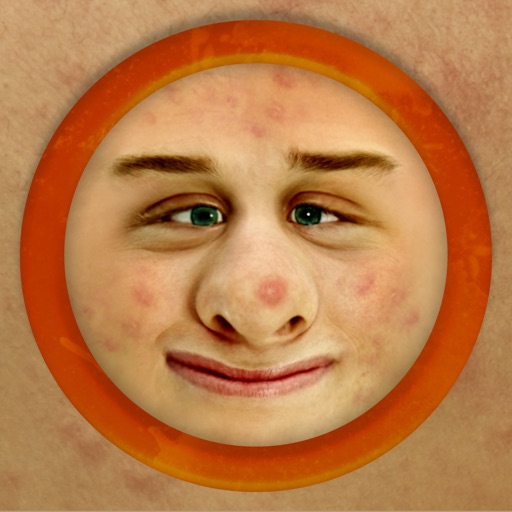
The app works with photos from the built-in camera or photo library. It allows users to choose a face among many on the same photo and features instant transformation with no internet connection needed.
Create and manage image datasets by adding, scanning, or speaking labels. Import or capture images from the photo library. Crop, draw bounding boxes, and tag objects. Export annotated images with labels for machine learning models.
Add to photos using over 63 customizable fonts. Customize , size, and color. Apply filters, stickers, and artwork to enhance designs. Save and share edited images directly.
The app allows users to create project IDs and tasks for photo categorization. It automatically verifies property addresses, tracks distances, and date/time stamps photos with GPS locations.
The app allows users to create photo books, prints, and personalized gifts from their phone. Photos can be imported from various sources and professionally printed in Melbourne for Australia-wide delivery.
In and out up to 15x while taking photos using a slider. Auto-stabilize images and videos. Adjust photo quality automatically. Use timer settings for 3, 10, or 20 seconds. Enable tap-to-shoot or swipe-to- options. Video available via in- purchase.