Edit labels with one-dimensional and two-dimensional codes, text boxes, rectangles, and images. Connect to Bluetooth printers for direct printing. Quick print option allows immediate label output.
The app offers a modern calculator with extensive customization options. Users can create custom themes, choose button shapes, and adjust visual elements.
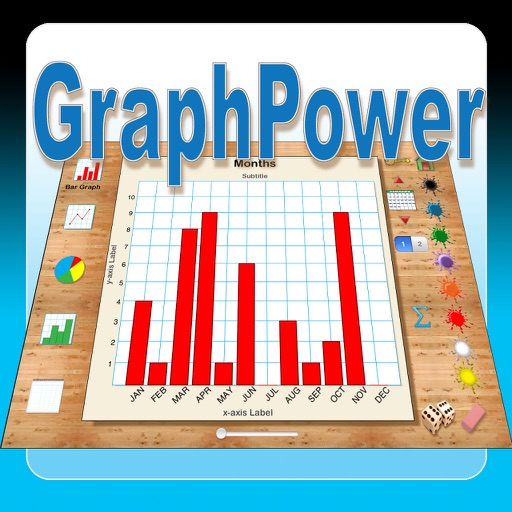
The app offers an educational tool for data analysis and graph interpretation. Students can create bar graphs, line graphs, circle graphs, and histograms on their iPads, with options for titles, labels, and scales.
Photos by selecting an image from the library or taking a new one. Add text with customizable fonts, colors, sizes, and borders. Position text on the and share the labeled image.
Create custom templates for classroom observations. Complete a 10-minute observation session. Share instant feedback with teachers. Track progress and improve instruction. Sync observations with colleagues. Export reports for review.
Help learn to write 0-9 by tracing with colored chalk. Features include interactive tracing, fun sounds, and colorful graphics to keep young learners engaged.
Design and print custom labels with flexible layout options and rich editing tools. Create mixed-length labels for multiple sizes. Connect directly to compatible LabelWorks printers without drivers. Save and reuse templates for repeated use.
The app helps users arrange seating for events, meetings, or classrooms. Users can add graphics, save and load arrangements, and customize backgrounds.
Track items and organize them by location or room. Create spaces to categorize objects. nd manage box and item numbers automatically. Add items to or spaces directly. Snap photos of items or and upload them.