iPhone Screenshots
Description
Photos by selecting an image from the library or taking a new one. Add text with customizable fonts, colors, sizes, and borders. Position text on the and share the labeled image.
Label Photo is a simple and easy way to label your photos.
It comes with a list of beautiful and stylish fonts and colors.
Label your photos in 4 quick steps:
1) Pick the photo (from your photo library, or shoot a photo with the camera)
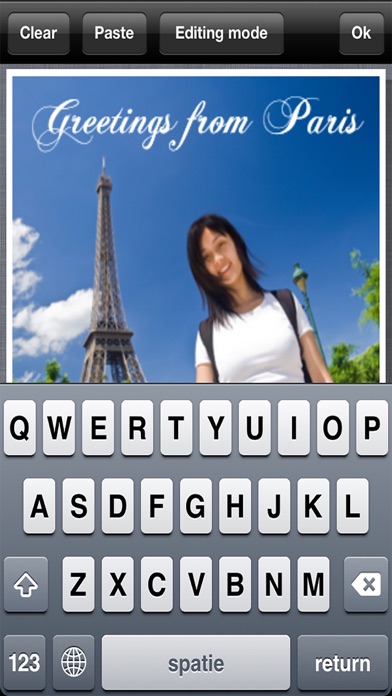
2) Type the text
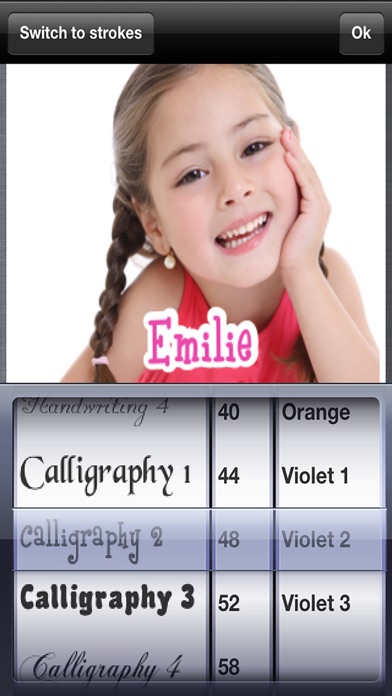
3) Choose the font (font type, color, size, border size, border color)
4) Place the text on your photo
It offers the possibility to label your photos in a beautiful, creative and fun way.
Surprise your friends with beautifully labeled photos.
Features:
- 20 beautiful fonts of various styles (including handwriting, calligraphy, computer, gothic, medieval, comic, typewriter, halloween, valentine, ...)
- change the text color, size, position and alignment
- choose the border of the text, change the size and color
- save your labeled photo to your photo library
- send your labeled photo by email, MMS or post them on facebook
- auto-capitalization (can be activated/deactivated in the settings screen)
- photos are saved in their original resolution