
Epson Label Editor
Design labels with rich editing and flexible
Seiko Epson Corporation
iPhone Screenshots


Description
Design and print custom labels with flexible layout options and rich editing tools. Create mixed-length labels for multiple sizes. Connect directly to compatible LabelWorks printers without drivers. Save and reuse templates for repeated use.
Create your favorite label designs with rich editing features, flexible layout options, and complete freedom to design exactly the way you want—at home or in the office.
Epson Label Editor is powerful and easy-to-use software designed specifically for Mac users that lets you design and print labels with compatible Epson LabelWorks printers.
Key Features
Easy to Use
- No driver installation required for printer connection
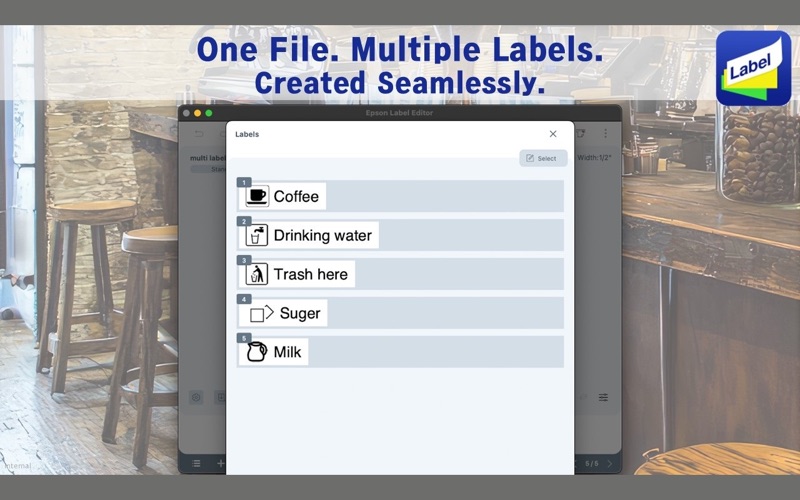
- Create Mixed Length labels to print all your required labels at one time
Intuitive and Flexible Label Design
- Insert symbols, frames, images, and illustrations
- Quick and easy label creation using our built-in label design library (continuously expanding)
Advanced Business-Ready Tools
- Generate barcodes and QR codes
- Import data from spreadsheets (CSV file) for bulk label creation
- Insert tables up to 5 rows × 5 columns
- Create serialized labels easily with our sequential numbering feature
Check Supported Devices
https://support.epson.net/appinfo/lemc/list/
*For more information about Epson Label Editor and LabelWorks solutions, please visit our official website