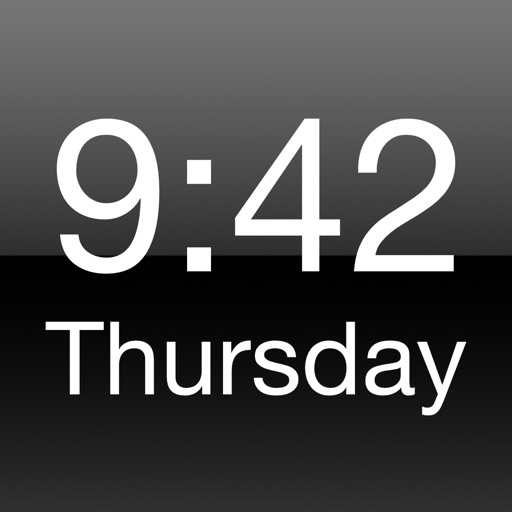
Turn your iPhone or iPad into a functional watch with a always-on . Adjust brightness manually. Set countdown timers up to 24 hours. Use Pomodoro Technique with 25-minute intervals and 5 or 10-minute breaks.
Display a with customizable design options. Set and manage timers for focused work sessions. Track elapsed time with progress indicators. Adjust settings and choose themes for personalization.
Display current temperature, humidity, wind speed, direction, feels like, and pressure. Update data every 10 to 30 minutes. Set alarms with customizable settings. View large digital or analog faces. Choose from various themes and adjust settings.
Digital displays time in 12-hour or 24-hour format. Countdown timer allows setting and tracking time intervals. Stopwatch measures elapsed time. Red color scheme available for display.
Display time using LED-style buttons representing values for hours, minutes, and seconds. Toggle between 24-hour and 12-hour modes. Set alarms, use countdown timers, and choose beep sounds. Customize button colors for visibility.
Displays current time and date with a minimalist design. Adjust time zones and set alarms. Customize clock faces and themes. Syncs with smart devices for accurate timekeeping.
Set alarms with customizable time modes and iTunes music. Choose from six nature sounds. Adjust snooze duration and brightness. Use a bedside clock with a . Add or delete alarms via swipe or tap.
Set alarms with customizable sounds and volume control. Play personal music or songs from device storage. Adjust display settings and choose timing options.
Set alarms with customizable for the icon, , and interface. Choose multiple tones and preset volumes. Lock alarms to prevent silencing. Add personalized music to sounds. Adjust for the and interface.
Track time with precision for accurate timing. Measure network delays and video streaming lag by comparing camera and TV display times. Sync with external devices for precise timing measurements.