
iPhone Screenshots

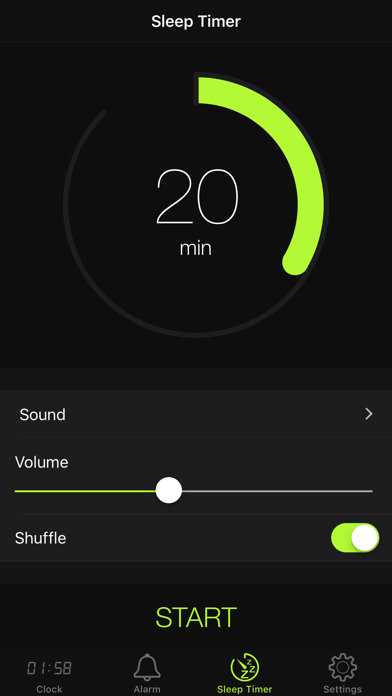

Description
Set alarms with customizable time modes and iTunes music. Choose from six nature sounds. Adjust snooze duration and brightness. Use a bedside clock with a . Add or delete alarms via swipe or tap.
Wake up easy and go to Sleep with your Favorites Music.
Alarm clock, features:
- 12/24 hour time mode
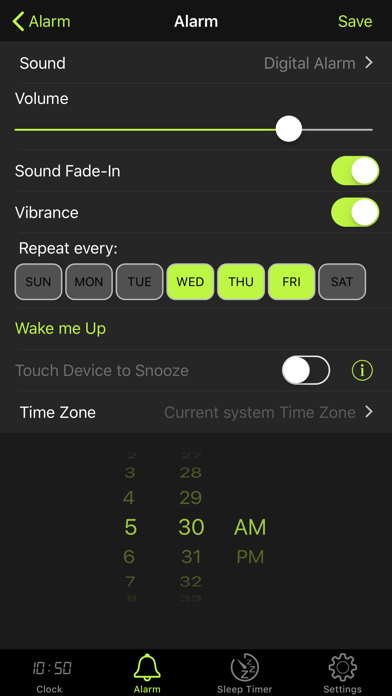
- iTunes music for alarm
- 6 different nature sounds
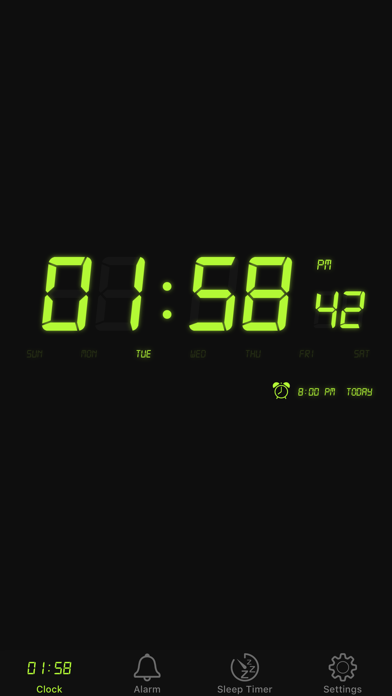
- Bedside clock
- Adjustable snooze time (optional)
- Adjustable brightness
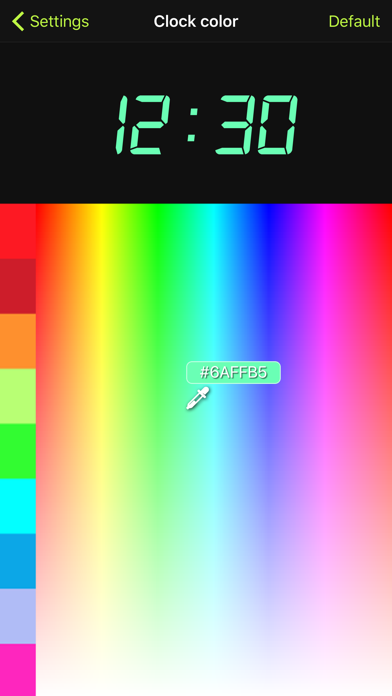
- 16,7 million colors of digital clock
- Sleep timer with iTunes music
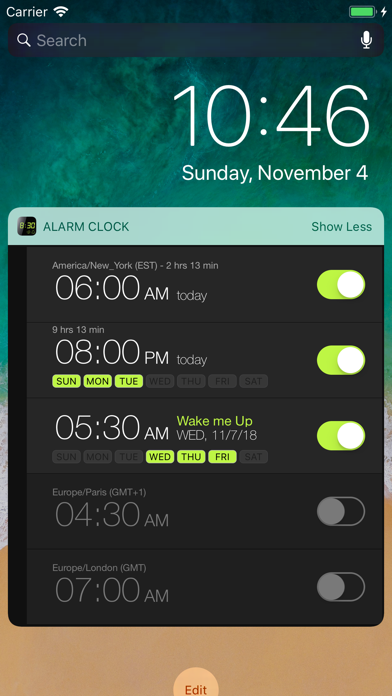
- Widget
Use tips:
- Adjust brightness: swipe diagonally from left bottom to right top.
- Add alarm: tap "+" button or double tap on "Alarm" icon
- Delete alarm: swipe left.
- Stop alarm from the lock screen: push volume down button.
Alarm Clock: Missed alarm will automatically repeat again after 10 minutes.
For use as home clock: disable option "Auto-Lock" in app settings.
About alarm option "Touch Device to Snooze":
- Work when screen locked
- Easy touch to device for activation snooze
- Recommended place device on nightstand
- If device in hand, snooze activated after 3 seconds
- You can't set vibration with alarm