
iPhone Screenshots

Description
Set alarms with customizable for the icon, , and interface. Choose multiple tones and preset volumes. Lock alarms to prevent silencing. Add personalized music to sounds. Adjust for the and interface.
Like a Chameleon!
Alarm Clock Colors is your color changing alarm clock.
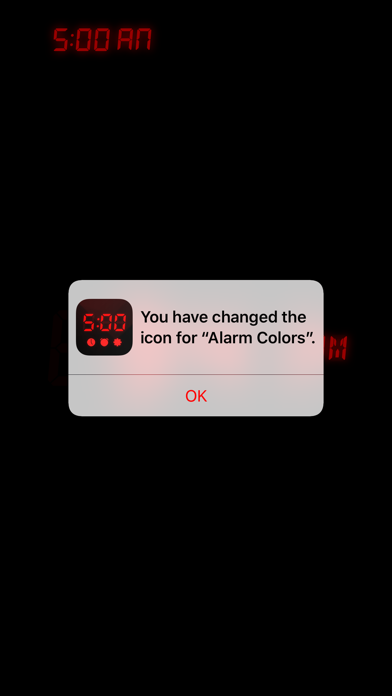
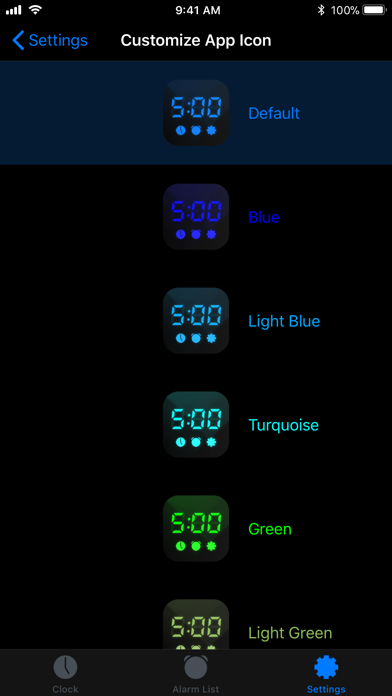
Even the App Icon on the Home screen changes it's color!
Try it today for free!
> EASY TO USE
> FULL OF COLOR
***FULLY CUSTOMIZABLE***
> Chose your individual App Icon color.
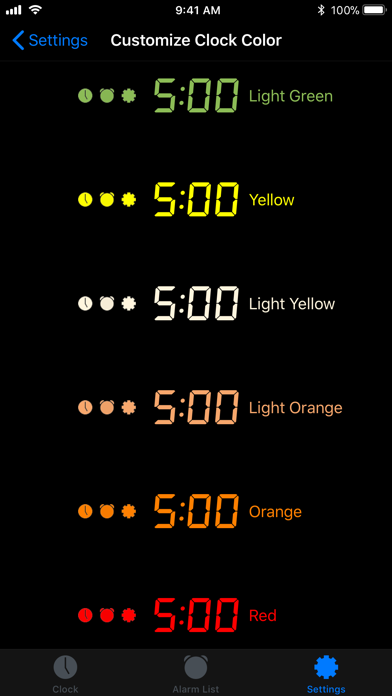
> Customize the Clock's color.
> Customize the App's color.
> Multiple alarms.
> Lock your alarm - there is no way to stop it from ringing now once it is set.
> Set your preferred ringtone.
> Wake up to your own MUSIC.
> Preset the music volume independently from other Apps.
***THE CLOCK***
> Your clock on your bedside table.
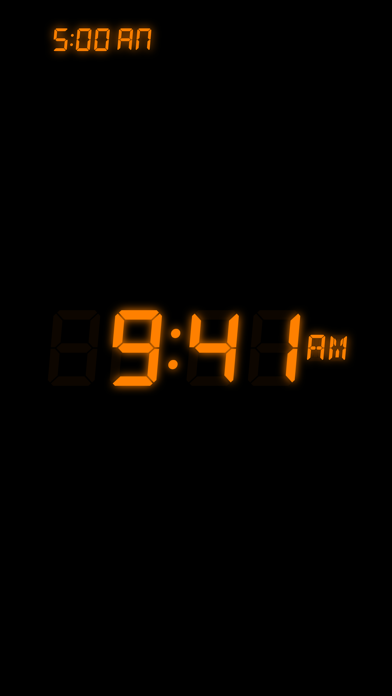
> Fullscreen digital watch face.
> Clock Complications.
> Adjust the clock brightness.
> Adjust the screen brightness.
> Switch the screen off by turning the device face down.
> See when the most current alarm will ring (optional).
> Red dot indicating set alarm (optional).
> See the music title that will wake you up (optional).