Create written content for ads and customer communication. Generate images, illustrations, and infographics. Customize text with emotional tone. Export content in multiple formats. Integrate with design tools for visual projects.
by DOWNLOADTHIS, LLC★ 5.03 ratingsGraphics & DesignFreeData updated 2026-09-06
Create animations using personal illustrations or images from the . Access multiple sample animations immediately. Share finished animations as single images. Includes a tutorial for beginners.
AI assistant allows users to with multiple AI models including Perplexity, Grok, Anthropic, and OpenAI. Summarize documents, analyze web links, and generate images.
The app offers over 1000 pictures, icons, and patterns for use in Keynote, Pages, Numbers, and other applications. These transparent background images are organized into 25 categories, including Animals, Business, Food, and Technology.
Objects photos by marking areas with red or protecting important elements with green. Edit images to shrink or enlarge without altering key visual content. Export edited photos directly.
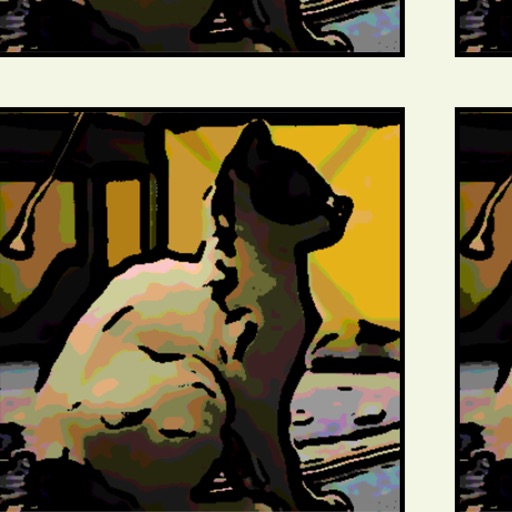
The app allows users to create comic, cartoon, and graphic novel style illustrations from photos and images. Users can adjust shadow, tone, outline, and color settings to achieve desired effects.
Create professional posters and videos using AI-generated designs, pre-made templates, and animation tools. Add transitions, background music, and customize text. Export and share finished projects directly.
Create vector graphics, page layouts, and fillable forms with intuitive tools. Organize elements using an object browser. Design brochures, logos, and PDFs. Export as printable or editable files. Add text, shapes, and adjust colors.
Create books with multiple pages using an intuitive interface. Add vibrant images and detailed descriptions. Organize content into chapters. Export books in various formats. Share creations directly with others.
Edit photos with filters, effects, and scene modes. Add text, stickers, and overlays. Adjust brightness, contrast, and saturation. Save and share edited images directly.
Create and edit spatial data files using text or dBASE formats. Generate KML/KMZ files for map locations. Display icons, circles, cylinders, lines, and polygons. Add images with midpoint or corner points.
Create digital art with creative freedom. Draw, paint, and sketch without restrictions. Use advanced tools for detailed artwork. Save and share creations. Access a library of brushes and colors. Export in multiple formats.
Create 3D maps using LiDAR scanning. Edit and customize maps with automated tools. Export maps in open file formats. Publish maps for navigation and wayfinding. Upload and share maps for use in various applications.