Scan documents with automatic edge detection and perspective correction. Process scans in colored, grayscale, or black/white formats. Enhance documents with noise removal and custom adjustments.
Scan documents to create PDF files and share them directly. Convert PDFs to Word, PPT, JPG, PNG, and other formats. Edit text with OCR, add signatures, and print or share files.
Convert paper documents to PDFs by scanning with your phone's camera. Adjust brightness and contrast for clear results. Save and share PDFs directly or email them. Edit text and add annotations to scanned files.
Convert documents to PDFs by scanning with the device . Edit, annotate, and share scanned files. Organize and manage documents within the . Save scans directly to cloud storage or email.
Scan documents by automatically detecting the area or manually snapping photos. Adjust borders, select color modes, and fine-tune brightness. Create multi-page documents and organize files effortlessly.
Documents and convert them into PDF for sharing. Perform OCR to extract text, website addresses, or phone numbers. Save scans automatically to iCloud Drive across Apple devices. iPad version allows drag-and-drop for document transfers.
Documents to create PDFs. Add digital signatures to finalize files. Edit text and annotations within PDFs. Share documents via email or cloud storage. Organize and manage files in a centralized library.
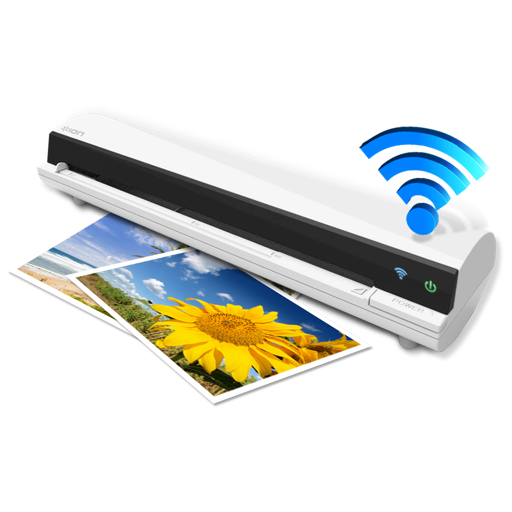
The app works with the ION Air Copy hardware, a portable Wi-Fi scanner. It scans photos, receipts, business cards, notes, and documents up to US Legal size directly to a Mac, then shares them via email or social networking.
Convert paper documents, receipts, and notes into PDFs using the camera, photo library, or Files . Scan both sides of an ID for a single-page PDF. Organize and store scanned files securely on your device. Export and share PDFs directly.