Awesome Scanner
Scan documents, edit images, and save files
Symfonies, Inc.
iPhone Screenshots
Description
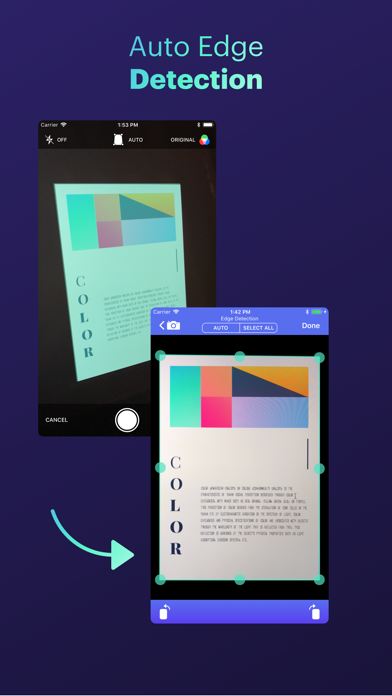
Scan documents with automatic edge detection and perspective correction. Process scans in colored, grayscale, or black/white formats. Enhance documents with noise removal and custom adjustments.
Get Awesome Scanner and turn your iPhone into a smart scanner!
WHY YOU SHOULD GET AWESOME SCANNER
- Extremely simple to use
- Automatic detection for document edges
- Automatic perspective correction
- Can process scans as colored, grayscale, and black/white
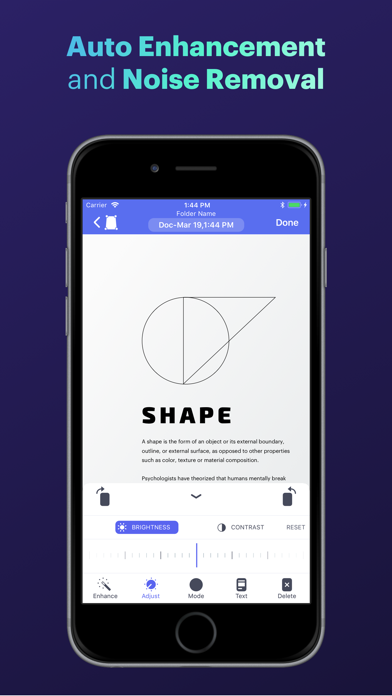
- Auto document enhancement and noise removal
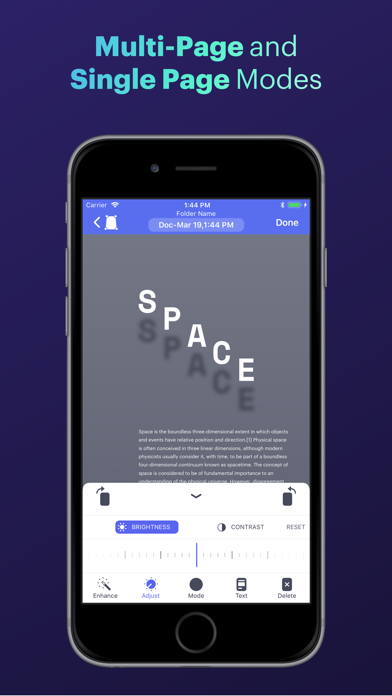
- Custom document enhancement (change brightness/contrast, and rotate)
- Supports single and multi-page documents
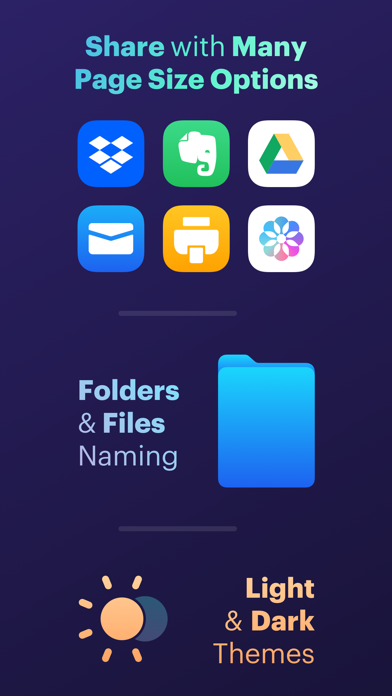
- Ability to upload your scans to Dropbox, Evernote, and Google Drive.
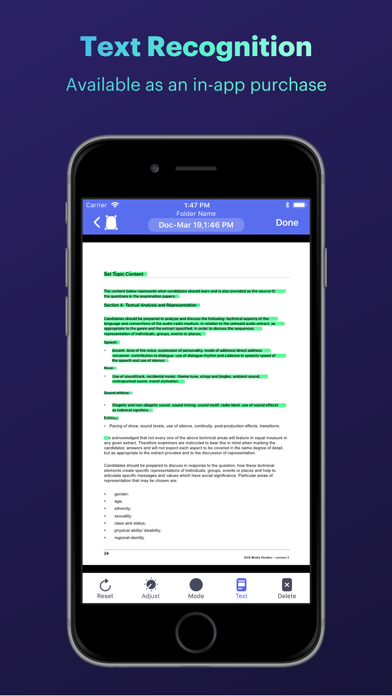
- Ability to convert scans to editable text (Text Recognition).
- Ability to safe and secure your document using a passcode or Face ID and Touch ID.
EVEN MORE
- Scan can be captured by the camera or imported from Photos
- Scan can be shared (via email), printed, or saved to Photos
- Includes a document viewer for viewing the scanned documents (with ability to zoom in/out).
- Supports adding new pages to existing documents (or deleting pages from it).
- Can convert scans to PDF documents or JPEG images.
- Ability to set the page size for the generated PDF (e.g. A4, A3, letter, ledger, business card, etc…).
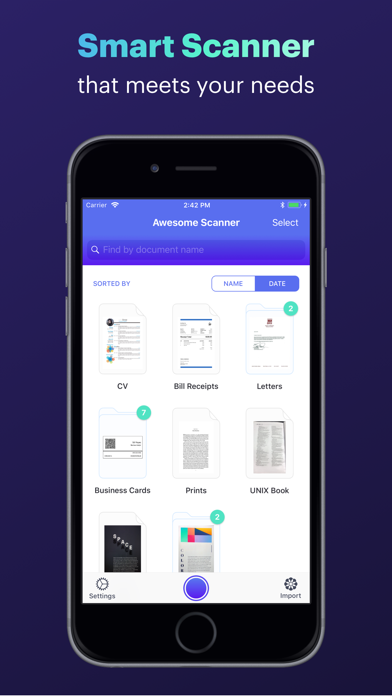
- Sort scans by name or scan date
- Search for documents and papers via the Search tool
- Ability to rename documents and papers
If you have any questions, need help, or would like to request a feature, please do not hesitate to contact us. We respond to EVERY email we receive. Our support email is: [email protected]