
ScanMe - PDF Scanner App
Scan documents and create pages
Have a nice day e.U.
iPhone Screenshots
Description
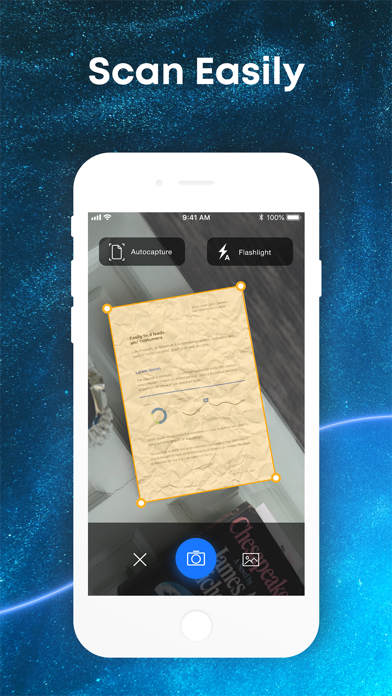
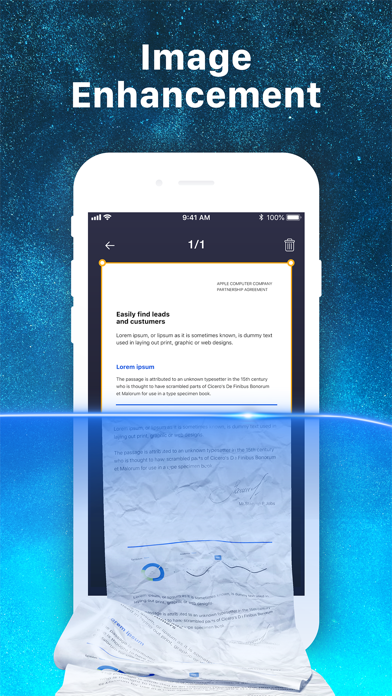
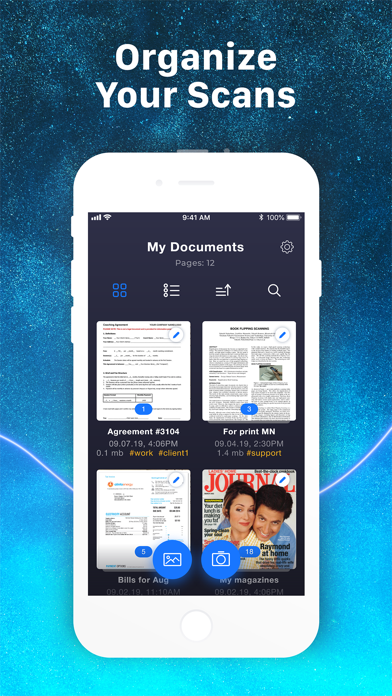
Scan documents by automatically detecting the area or manually snapping photos. Adjust borders, select color modes, and fine-tune brightness. Create multi-page documents and organize files effortlessly.
ScanMe turns your iPhone or iPad into a powerful, easy-to-use scanner in just seconds.
Create as many multi-page documents as you need — fast, simple, and intuitive.
Choose your scanning mode:
Let the app detect the document area automatically, or
Snap the photo yourself for full control.
Use your device’s flash if needed, adjust borders, and pick the look you want: Black & White, Color, or Original. You can also fine-tune brightness for the perfect result.
Organizing your files is effortless: give each document a name, add tags for quick search, add or remove pages, reorder them, or rescan if needed.
For best quality, place your paper on a flat surface and smooth out any folds.
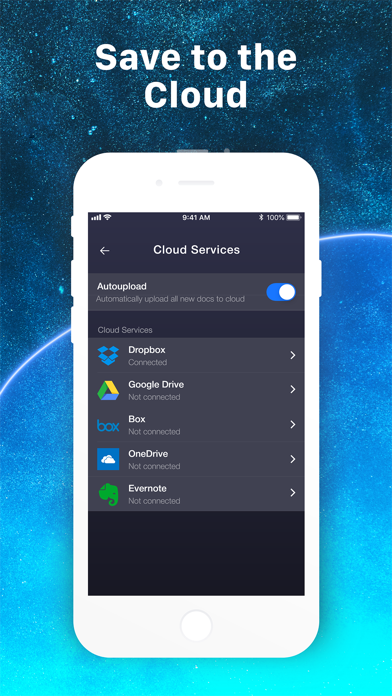
Easily upload your documents to Google Drive whenever you need.
When exporting, choose PDF or JPEG, set the quality and file size, then share or print directly from the app.
Subscriptions
ScanMe offers auto-renewable subscriptions. Payment is charged to your iTunes account at confirmation. Subscriptions renew automatically unless canceled at least 24 hours before the end of the current period. Manage your subscription and turn off auto-renewal in your Account Settings.
Terms of Use: https://appscanme.com/terms.html