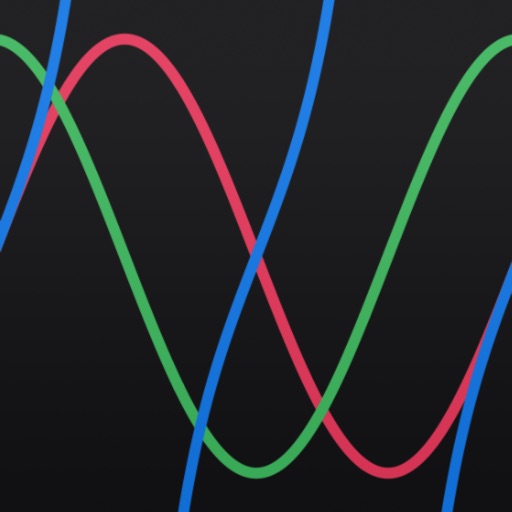
Understand trigonometric functions visually and easily.
The app provides visual representations of trigonometric functions, including wave graphs. Users can easily calculate and confirm the values of sine, cosine, tangent, cosecant, secant, and cotangent.
by yukihiro fujita★ 1.02 ratingsEducationFreeData updated 2026-10-14
The app connects students with live Study Experts for instant math, physics, and chemistry help. Users can snap a picture of a problem and receive a personalized 10-minute chat session with a qualified tutor.
Performs arithmetic operations using numerals. Users can convert between and Arabic numbers. The supports landscape mode for additional functions and displays results in numerals. Backgrounds and button styles are customizable.
Arc+ calculates radius, length, width, height, and tangent by inputting two known values. Converts between measurement units. Saves results to a favorites list and shares them with others.
Calculate arc dimensions including radius, length, width, height, apothem, angle, and area. Input any two values to derive the rest. Useful for carpenters, architects, and engineers. Supports complex mathematical calculations.
Calculate groundspeed, true heading, compass heading, leg time, distance, fuel required, fuel flow, and endurance for flight planning. Convert airspeed, altitude, and temperature.
Perform complex calculations with scientific functions, trigonometry, and unit conversions. Customize themes, adjust display settings, and save frequently used formulas. Export results and share calculations directly.
Simulate nuclear explosions and calculate affected areas
Calculate radiation radius and casualties based on nuclear weapon yields. Input explosion details to estimate affected areas. Display results for evacuation planning and educational purposes.
The app performs mathematical, engineering, scientific, and technical calculations. It handles fractions, mixed numbers, decimals, and integers with various functions including trigonometric operations and constants.
Measure tilt angles from 0 to 359 degrees. Display in degrees, percentage, and sum angles for 180 or 360 degrees. Switch to theodolite mode and set specified angles to 0 degrees.
The app provides complex number calculations, matrix operations, and root finding. It also performs numerical integration and supports hyperbolic and inverse hyperbolic trigonometric functions.
Solve triangles with two modes. Regular triangle mode allows input of 2 sides and an angle, 2 angles and a side, or 3 sides. Right triangle mode accepts 2 sides or a side and an angle. Calculates missing values based on input.
Perform complex calculations with root, power, trigonometric, and logarithmic functions. Calculate factorials and double factorials. Draw graphs, use four memory blocks, insert constants, and make notes.
Perform complex calculations using RPN entry system. Access hyperbolic and inverse hyperbolic trig functions. Calculate probability, factorials, and percentages. Support absolute, integer, and fractional values. Generate random numbers.
The app provides guidance for solving algebra homework and textbook problems. It includes over 1200 sample problems with animated solution steps and supports scientific and graphing calculators.