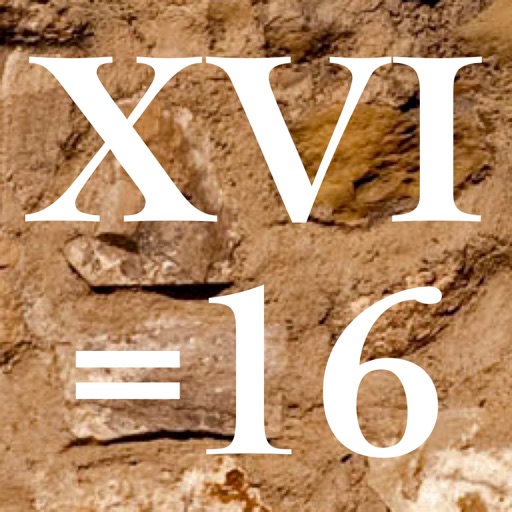
Performs arithmetic operations using numerals. Users can convert between and Arabic numbers. The supports landscape mode for additional functions and displays results in numerals. Backgrounds and button styles are customizable.
by John Millhouse★ 5.04 ratingsProductivity$0.99Data updated 2026-09-08
Convert numeric numbers to and from between 1 and 9999. Input or select a number to display its numeral equivalent. Switch between numeral formats for easy conversion and verification.
Perform basic arithmetic operations including addition, subtraction, multiplication, and division. Access scientific functions for advanced calculations. Convert units between different measurement systems.
A calculator with a clear display and large buttons supports functions. Switch between portrait and landscape modes on iPad. Perform simple calculations without additional features.
Perform basic calculations in portrait mode and scientific calculations in landscape. Use root, power, factorial, exponential, division, logarithm, and trigonometric functions. Features a flat UI design similar to built-in iOS apps.
Convert numerals to Arabic numbers and vice versa. Enter a year and receive the corresponding value. Adjust display size, enable autocorrection, and customize formatting options.
Calculator provides basic and scientific calculation functions. Users can access a history of past calculations for review or reuse. It includes a live currency converter for exchange rate checks.
The app provides essential calculation functions like addition, subtraction, multiplication, division, and percent. It also offers multiple color schemes and the ability to copy results.
A calculator with large buttons and a clear display for efficient calculations. Supports basic arithmetic operations. Includes a Retina Display for improved visibility.
Calculate fractions with addition, subtraction, multiplication, and division. Convert fractions to decimals. Adjust recipe quantities for different serving sizes. Review math problems and convert measurements between cups and teaspoons.
Calculate with dual-line display and multi-line input
A with dual-line display showing input and result. Supports multi-line equations and tap-to-move cursor. Saves calculation history with timestamps and labels. Allows emailing calculations and swiping to review previous entries.
The app performs mathematical, engineering, scientific, and technical calculations. It handles fractions, mixed numbers, decimals, and integers with various functions including trigonometric operations and constants.
Solve equations and graph functions with advanced math support. Perform calculus operations and matrix calculations. Customize settings for precision. Access detailed tutorials and a comprehensive user manual.
™ allows users to perform fraction calculations and convert between decimals and fractions. It supports degree, minute, and second conversions. Users can handle unit conversions and calculations with dimensional units.
Write calculations directly on the screen for real-time results. Edit equations with gestures or add elements anywhere. Drag and drop previous results for reuse. Supports interactive ink for natural handwriting input.
Perform complex calculations with a powerful math core and algebra engine. Display mathematical expressions with proper formatting. Solve equations, graph functions, and convert units. Access scientific, financial, and programming calculators.
Teaches through interactive . Children can match symbols to numbers, drag and drop , and solve puzzles. Includes progress tracking and simple animations to keep kids engaged.