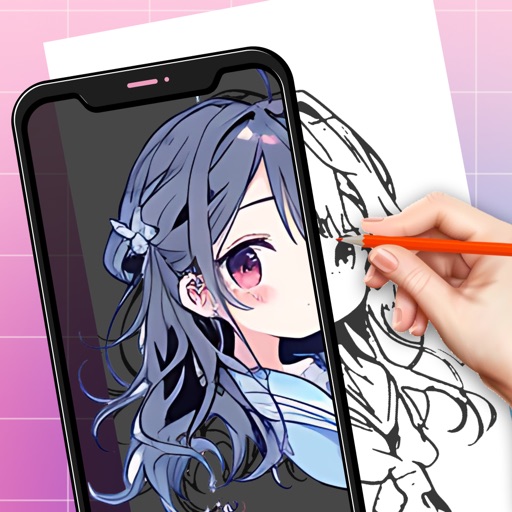
Generate images from text descriptions using an AI model. Adjust parameters to refine results. Upload existing images to use as a base for modifications. Edit generated images directly within the .
Allows users to draw on their iPhone or iPad using 10 different pens, including ball pen, pencil, and brush. Users can create various line shapes and images. Drawings can be saved and shared directly from the device.
Create digital art with customizable brushes and layers. Adjust brush settings for pressure and flow. Use Apple Pencil for precise strokes. Save and export artwork in various formats. Import images for tracing or blending.
Create drawings with Apple Pencil support. Use grid or lined backgrounds. over existing images. Save square images. Add widgets to showcase drawings on the home screen. Enable multitasking and multi-window features on iPadOS.
Annotate photos with text, drawings, and hand-drawn elements. Add watermarks and autographs. Create and share Photocards. Incorporate internet memes. Edit and enhance images for personal or professional use.
Create and organize boards for teamwork. Add sticky notes, drawings, and images. Collaborate in real time with team members. Drag and drop elements to rearrange. Comment on notes and track changes. Export boards as images or PDFs.