
iPhone Screenshots




Description
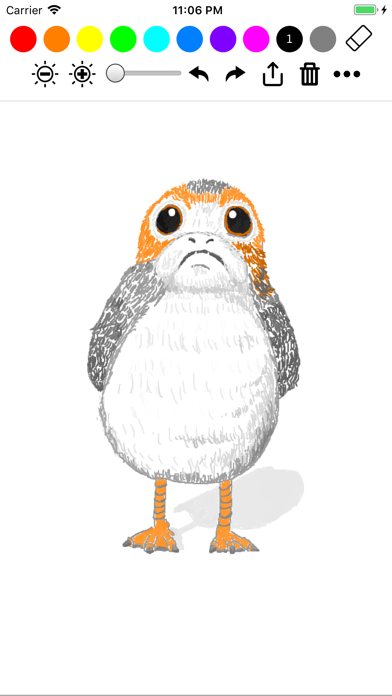
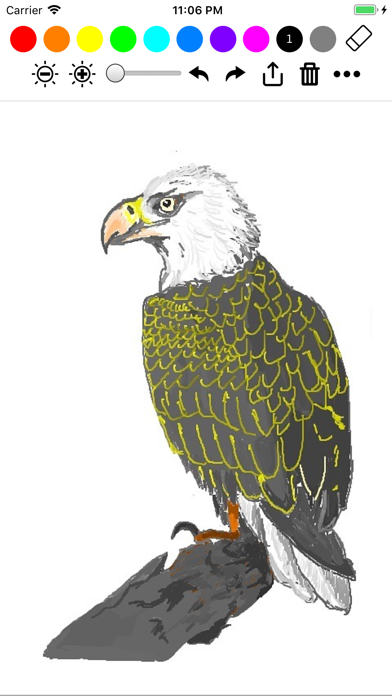
Create drawings with Apple Pencil support. Use grid or lined backgrounds. over existing images. Save square images. Add widgets to showcase drawings on the home screen. Enable multitasking and multi-window features on iPadOS.
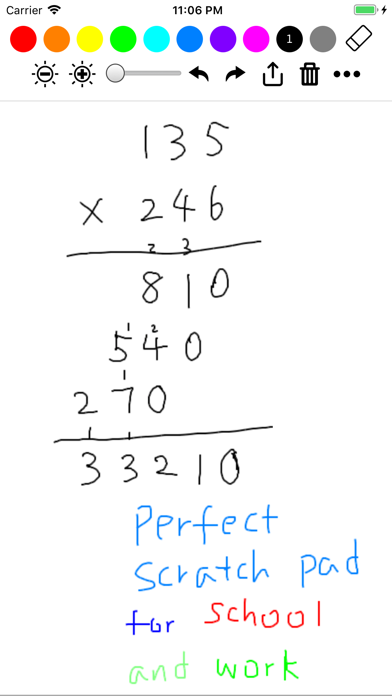
Minimalist drawing app. Supports Apple Pencil (new & old), widgets, both portrait & landscape, iPad multitasking, standard iOS share, the latest devices. Pick up & use. Like a white board or scratch paper.
Features:
• Widget to show case the latest or favorite drawing on the home screen
• Apple Pencil gesture support
• Multi-window and multitasking support on iPadOS
• Original Apple Pencil support
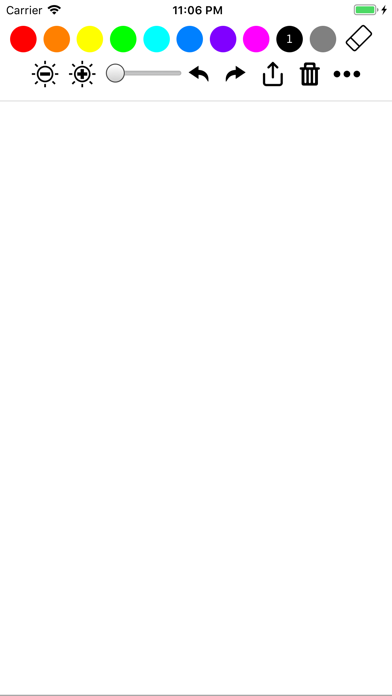
• Grid background and lined background
• Draw on top of another picture
• Save square images for Instagram submission
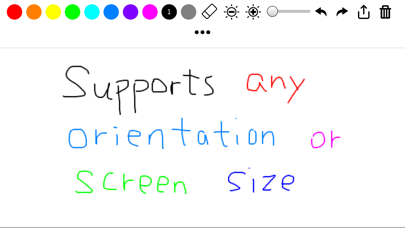
• Draw in either landscape or portrait
• Undo and redo
• Standard iOS share/action button (copy, save, send to other messaging/social apps)
Perfect for:
• Jotting down notes
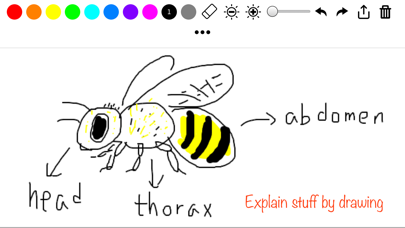
• Illustrate something to friends/coworkers through drawing
• Draw/sketch something casually
• Tell stories to kids with quick illustrations
• Play quick random games with friends (e.g. draw and guess, or any simple board game you just invented)
• Practice some basic drawing skills (drawing straight line, parallel lines, circles, faces, etc)
Draw for a better world:
Super Simple Draw started as a way to reduce the use of papers because we believe that the current environmental degradation and the climate change are pressing issues that demand urgent actions. Now we took a step further: for every ~2000 lines you draw, we plant a tree through a partnership with Trees for the Future. More than ten thousand trees have been planted so far. Learn more at https://trees.theiosapp.com