The app allows users to control video playback using tapping gestures on their device. Tapping the left side steps forward, the right side steps backward, and a double-tap on the back plays or pauses the video.
by Wu Bin★ 0.00 ratingsPhoto & Video$0.99Data updated 2026-10-12
Race cars on multiple circuits by tapping screen sides or using the Digital Crown. Control drifting, gear shifts, and rev counters in the advanced version. View lap times and track progress across 20+ tracks.
Control a 3D using device accelerometer to move forward, backward, and side-to-side. Navigate through levels requiring precise tilting and timing. Solve puzzles and avoid obstacles in a reflection-based gameplay environment.
Allows users to play and manage videos and audio files in formats like 4K, HD, MKV, AVI, MOV, MP4, 3GP, MPEG, and all audio formats. It includes a media library for organizing files and browsing folders.
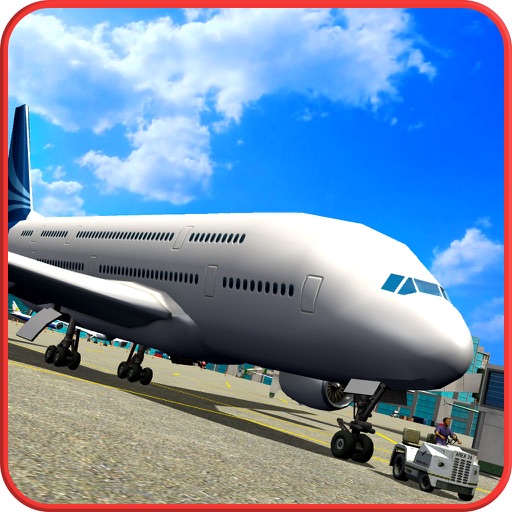
Control a 3D airplane using forward, backward, left, and right buttons. Navigate through checkpoints and land on the runway. Avoid collisions with other planes. Adjust balance to prevent crashes. Park the at the destination point.
Play by tapping or dragging exposed matching tiles to clear them from the board. Remove tiles with at least one exposed side. Clear all tiles to complete each level.
View two different albums side by side or compare photos directly. Swipe left/right to navigate, pinch to zoom, and double-tap to enter full-screen mode. Create combined side-by-side images and access detailed EXIF data.
Island features adorable characters and simple gameplay for young children. Players can search by tapping the screen and use hints when needed. The includes an auto-save function and allows note-taking by swiping left from the right edge.
Record using the device’s microphone and play it back forwards or reversed with a tap. Adjust playback speed from 0.5x to 2.0x and modify pitch by half tones across two octaves.
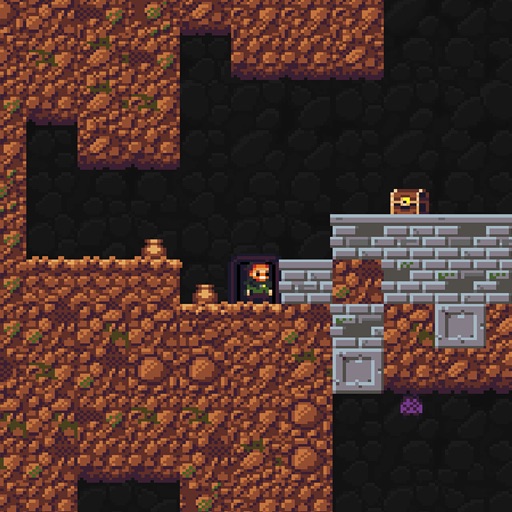
Navigate a using left and right virtual keys to move or fall. Jump and attack with weapons using right-side controls. Collect treasures and avoid obstacles to escape the .
Explore a snowy mountain house to find and combine items, solve puzzles, and . Navigate the environment by tapping to search and adjust viewpoints. Access hints when stuck and auto-save progress.
Explore a dark residence with gentle rain. Search for items by tapping the screen and change viewpoints using the bottom button. Solve puzzles to the room. Auto-save progress and access hints if needed. Find hidden sweets throughout the environment.
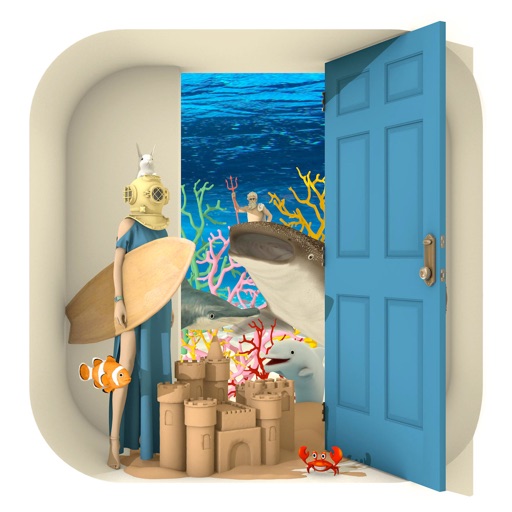
Explore a seaside wedding scene by tapping to search for items and solving puzzles to the room. Change viewpoints with a bottom button and double-tap items for details. Access hints if needed and auto-save progress.
Create viral-worthy content with AI-powered editing tools. Automatically enhance photos and videos with AI Magic. Add text, stickers, and filters. Share directly to social media. Collaborate with others using a shared library.
Flip videos by swiping left, right, up, or down. Rotate videos using two fingers. Adjust playback speed and add text overlays. Share edited videos directly to social media.
Convert text to realistic audio or video. Choose from various voices. Export as MP3 or MP4. Create pranks, social media content, podcasts, and more. Record notes and use for gaming or bots.
Music "Practice rhythm and finger movements through video tutorials. Review slow-speed playback to identify mistakes. Watch full combo videos for reference. Memorize charts and improve accuracy."
Control a four-axis drone with takeoff, landing, forward, and backward movements via Wi-Fi. View real-time video feed from the drone's camera. Capture photos and record videos using the connected phone.