
iPhone Screenshots

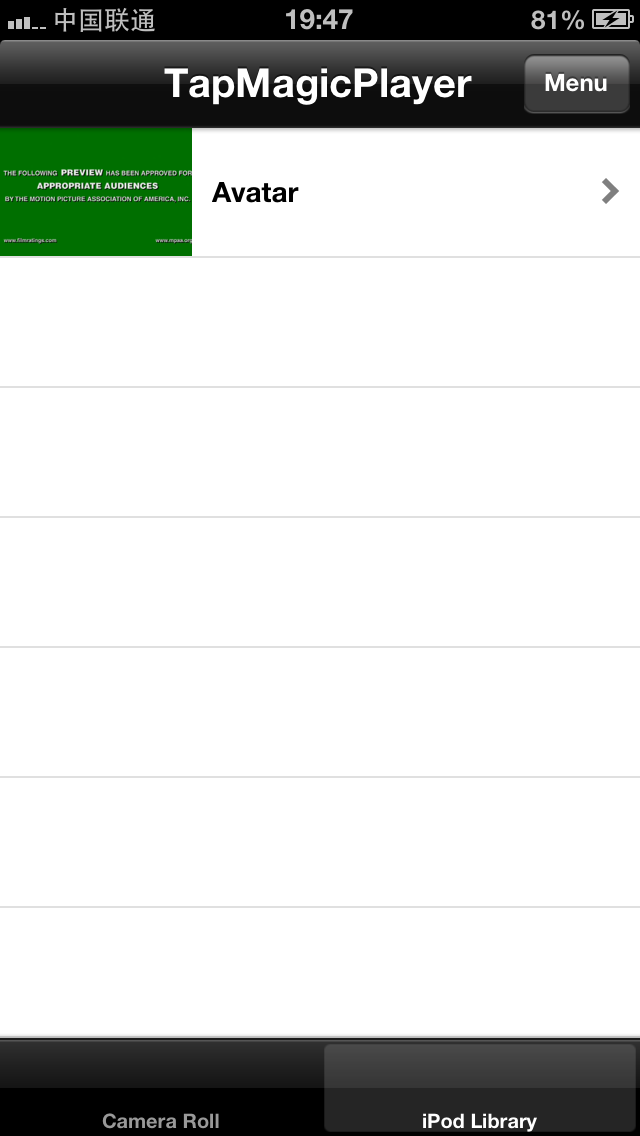
Description
The app allows users to control video playback using tapping gestures on their device. Tapping the left side steps forward, the right side steps backward, and a double-tap on the back plays or pauses the video.
Based on tapping detection technology, TapMagicPlayer let you control video playing without touching the screen of your smart phone.
Here is the demo:
http://www.youtube.com/watch?v=uMJtmbJmHO8
While playing videos, tap the left side of the device to step forward for a few seconds; tap the right side to step backward for a few seconds; double-tap the back side to play/pause the video.