The app allows users to enhance color and clarity in photos with balanced presets. It offers a live split preview, curated presets for different styles, and the ability to blend effects for a desired finish.
by 福恩 毛★ 0.00 ratingsPhoto & VideoFreeData updated 2026-10-09
Take photos with color and sharp filters. Apply whiteness and beauty skin effects. Combine filters and colors for custom looks. Add contacts in 64 pattern colors. Use filters in both camera and alarm modes without charge.
The app converts photos into comic book drawings with thick outlines and bold colors. Users can choose from five comic styles and add custom messages to speech bubbles.
Enhance quality with AI-powered upscaling. Convert 480p to 1080p or 4K. Reduce noise and grain. Adjust brightness, contrast, and saturation. Smooth motion in fast scenes. Restore old videos for better clarity.
Apply Lightroom presets to enhance photos with filters, adjustments, and effects. Choose from urban, vintage, winter, travel, and portrait presets. Export edited images directly from Lightroom.
Edit photos to remove blur and sharpen details. Adjust brightness, contrast, and color balance. Enhance overall image quality and export edited photos.
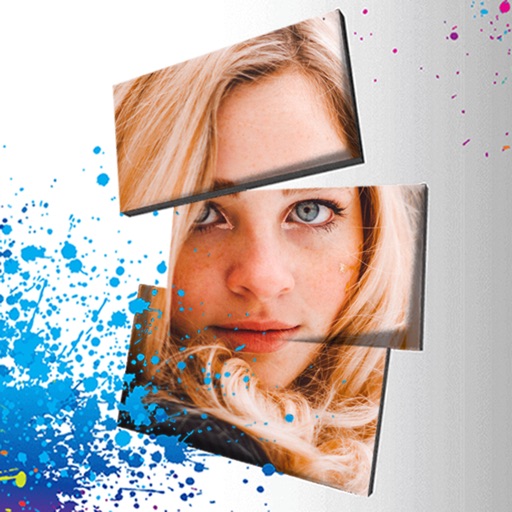
Edit photos with 3D and color effects to create立体 art. Apply special effects to enhance images. Save and share edited photos directly. Use fun and intuitive editing tools for creative customization.
The app transforms photos into halftone and rasterized artwork using dots, lines, and shapes. It offers creative modes like Grid, Interlaced, Radial, and Photo, with options for bicolor, multicolor, or full color.
Edit photos with presets, watercolor filters, aging effects, and realistic mustaches. Crop, adjust colors, and add text. Share in various aspect ratios. Organize and browse albums and shared streams.
Apply aging effects to photos to simulate aging or youth. Transform selfies into celebrity looks with cosplay filters. Edit images with effects, filters, and adjustments. Export edited photos in various formats and share directly.
Create photos by selecting official sizes and background colors. Choose from various suit styles and print options. Use AI to automatically adjust backgrounds for clean, professional results. Save or print formatted photos directly.
Convert photos into art with adjustable density and six design options. Choose from four styles and control edge thickness. Export the result as a video or animated GIF.
Edit photos by adjusting overall or selectively changing specific areas with customizable . Apply various filters to enhance images. Retain original for any part of the . Export edited photos in different formats.
Enhance quality using AI to repair blurriness and increase clarity. Restore old photos by removing scratches, creases, and discoloration. Improve texture and detail for a sharper, more defined image.
Edit photos with a wide range of effects, from basic adjustments to advanced graphic transformations. Repaint images using various brushes and import Photoshop brushes. Share edited photos on Instagram with the # tag.
Create photos with effects and light leaks. Apply 36 shapes and 33 light leak effects. Use 23 image filters. Adjust size, opacity, and color. Draw multiple shapes with touch. Apply multiple shapes to one photo.
Edit photos with stretching, squeezing, pinching, and prodding tools to create surreal effects. Apply advanced image manipulation techniques similar to professional software. Export edited images in various formats and share directly.