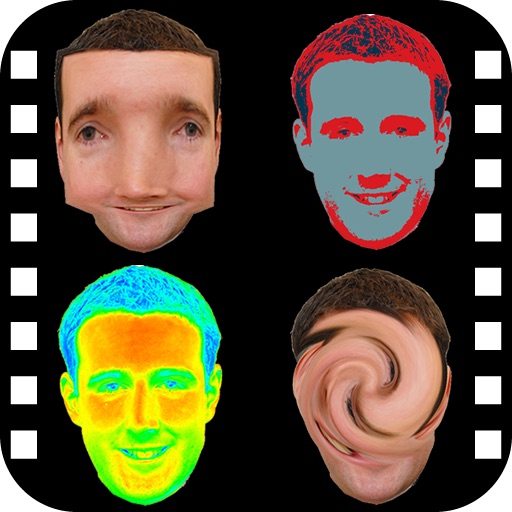
Edit photos with stretching, squeezing, pinching, and prodding tools to create surreal effects. Apply advanced image manipulation techniques similar to professional software. Export edited images in various formats and share directly.
by Sylwester Los★ 4.3114 ratingsPhoto & Video$1.99Data updated 2026-10-27
Take photos with front- and rear-facing cameras. Apply real-time effects like Twirl, Light Tunnel, X-Ray, Squeeze, and Kaleidoscope. Share photos via AirDrop, Mail, Messages, iCloud, or social networks.
The app provides a photo editing experience with numerous effects. Users can select a picture and apply various filters like Night Vision, Heat Cam, Ripple, and Alien.
Edit photos and videos with AI-powered tools like face enhancement, makeup application, and background removal. Apply cartoon filters, stickers, and thousands of effects. Capture selfies with AI auto-beautification. Share edited content directly.
Edit photos with advanced filters, cropping, and adjustment tools. Create digital art using AI image generation and text-based ideas. Enhance images with AI-powered tools and export in multiple formats. Share edited photos directly from the .
Capture with real-time live effects and color presets. Apply adjustable effects and enhance colors simultaneously. Use screen flash for better results in low light. Share directly from the .
Edit photos and videos into high-quality drawings, sketches, and illustrations. Apply pencil, charcoal, or technical filters. Enhance videos with advanced filters. Export edited content in various formats.
Edit photos and videos to create oil paintings using 29 presets and 12 professional tools. Adjust brush strokes and colors manually. Apply AI-generated oil with machine learning enhancements. Export edited content in various formats.
Create photo collages and composite images by combining up to 11 photos in a single layer. Remove unwanted areas with the background eraser tool. Adjust color tones to enhance image appearance. Export edited photos in various formats.
The app provides users with approximately 100 Core Image Effects and Filters for image manipulation. Users can transform images by cropping, adding noise, tiling, changing colors, adjusting brightness and contrast, and applying various distortions.
Edit photos and videos into paintings using 31 presets and 12 professional tools. Apply AI-generated effects with machine learning assistance. Adjust colors, brushes, and textures for custom artwork. Export edited media in various formats.