The app allows users to create symmetrical designs by photographing or selecting an image. Users can then determine the split point and select the desired field for display, saving their creations to their library or posting them.
by Masahiro Ueno★ 0.00 ratingsPhoto & VideoFreeData updated 2026-10-20
Fly drones by tossing them into the air. Perform aerial stunts with on-screen controls. Record 720p HD video. Complete missions with AI assistance. Track flight data and adjust settings. View live video feed and control movement.
The app enables users to create demotivational posters with their own images. Users can select photos from their library or camera, add top and bottom captions, and then save or share the creations.
The app allows users to collage photos with filter processing and background wallpapers. Users can crop images by tracing with a finger and place characters with selectable fonts and colors.
Photos using AI-powered detection. Select and erase unwanted , captions, or date stamps. Preserve image texture and natural appearance. Export edited photos directly.
Edit photos by describing desired changes, additions, or removals. Remove objects or people seamlessly. Enhance lighting and mood with cinematic, dramatic, soft, or warm settings. Adjust colors and apply filters. Save or share the final edited image.
The app uses an automatic colorization technique based on scribbles to change object colors in photos. Users can mark parts of an image with any color and the app will apply the changes.
The app uses augmented reality to show virtual bunnies that appear to hop around the user. Users can direct the bunnies to specific locations or have them hop on selected images, leaving footprints.
Parts of images by drawing selection areas. Paste copied elements to any location. Remove objects, people, or text. Censor content by replacing it with surrounding pixels. Fill image gaps by copying and pasting nearby areas.
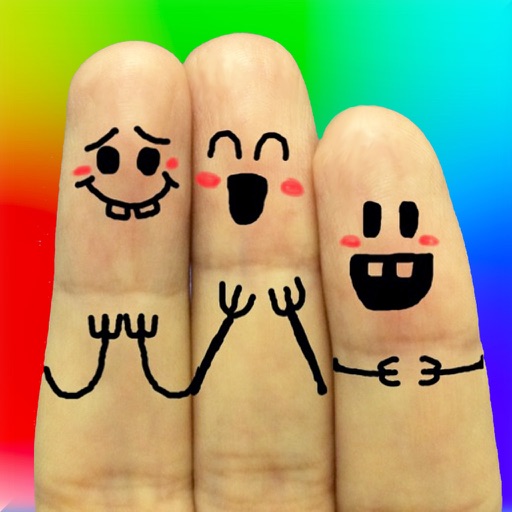
The app allows users to create finger faces using photos from their camera roll or by taking new pictures. Users can add faces, items, stickers, and text, or draw their own creations.
Convert images into the of selected paintings using AI processing. Select an image from the album or camera, choose a painting , apply the transformation, and save or share the result.
The app provides 9 prepared images for devices, usable in portrait or landscape. Users can view images as a slideshow or save them as wallpapers without an internet connection.
The app allows users to adjust image sizes by importing from the photo library, camera, or clipboard. It helps users correct image sizes for design projects and preview pixelation at different scales.