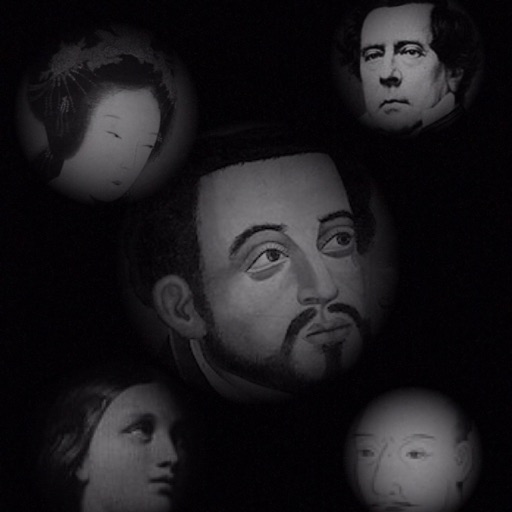
The app allows users to compose photos by combining images of people. Users can synthesize images in color or black and white, and adjust the size of faces using pinch gestures.
by Osawa Shunsuke★ 4.010 ratingsPhoto & VideoFreeData updated 2026-10-01
Enhance quality with advanced algorithms to sharpen and clarify images. Adjust colors and brightness. Apply filters and effects. Edit multiple photos in batches. Share edited photos directly to social media.
Edit photos with one tap for HD clarity and natural beauty. Unblur faces and details, enhance multiple photos in batch, fix lighting and color, upscale images, reduce noise, and increase sharpness without over-editing.
Selective coloring allows users to add to specific image areas against a monochrome background. Recolor tools enable adjustments to hair and eye colors. Users can apply advanced editing options to enhance and customize their photos.
Enhance photos by uploading images or capturing photos of damaged ones. Use AI to improve clarity, reduce blur, and restore details. Export enhanced photos in HD format.
Restore and enhance old black-and-white photos using AI to colorize and animate them. Remove tears and deformations for clearer images. Convert static photos into videos with animated figures. Adjust facial details for improved clarity and realism.
Edit photos with selective effects using gesture controls. Zoom and pan to adjust splash areas. Convert parts of the image to grayscale while keeping selected regions in full . Export edited photos directly.
Capture photos with analog effects including black and white negatives, vintage negatives, and Lomo . Apply 95 filters for grain, light leaks, and blur. Adjust color, contrast, and brightness for realistic tones. Export and share edited photos.
Edit photos by cutting and pasting faces, removing backgrounds, and deleting unwanted people. Add missing faces to photos. Use the silhouette head tool to select and edit elements. Export edited images directly.
Apply filters to turn photos into cartoons. Swap faces into video scenes. Adjust age to see future or past appearance. Colorize and enhance old photos. Take MBTI tests to analyze personality traits.
Capture photos with controls including shutter, ISO, and white balance adjustments. Edit images using film-emulating presets, RAW processing, and advanced color settings. Export photos in high-quality formats and share directly.
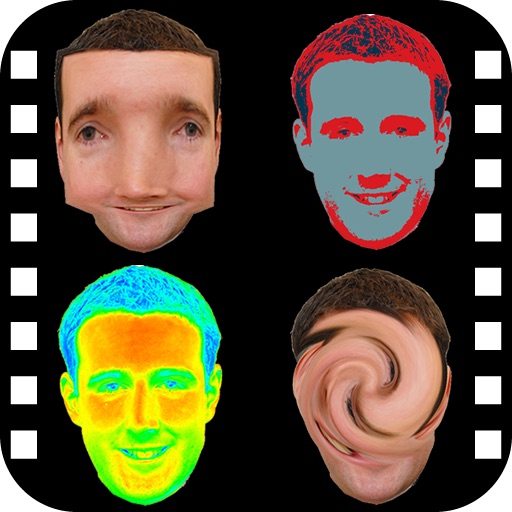
The app provides a photo editing experience with numerous effects. Users can select a picture and apply various filters like Night Vision, Heat Cam, Ripple, and Alien.
Old by removing scratches, fixing damage, and enhancing clarity. Adjust brightness, contrast, and color. Share restored images directly or save in high resolution.
Take photos with a retro film interface. Apply filters and grain effects. Adjust exposure, contrast, and color balance. Add film-style borders and text overlays. Export images in JPEG format and share via social media.
Convert photos to pencil sketches with adjustable effects including ink, outline, stony, charcoal, and cartoon styles. Support black and white and color pencil painting. Apply stylization, high contrast, and other advanced editing tools.
With AI-based auto image enhancer. Upscale images up to 4X without loss of . Recolor black and white photos automatically. Edit photos with color adjustments and resolution improvements.
Edit images with black and white overlays and adjust overlay color by tapping. Swap and images by swiping. Change font of by tapping. Adjust overlay opacity with pinch gestures. Use photos from unsplash.com.
Control tadpoles to collide with smaller marine creatures for upgrades and progress through the gate. Collect gold coins to purchase skins. Synthesize dragons by merging creatures and managing movement strategies.